





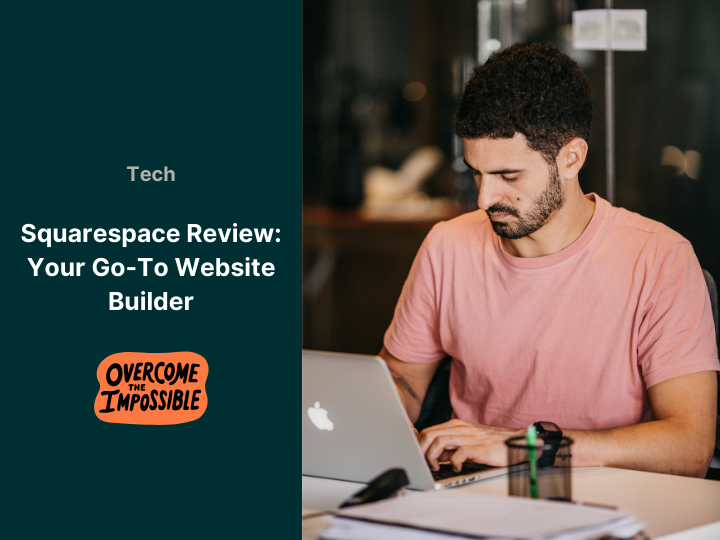
When it comes to an online presence, Squarespace is a top pick. It’s flexible and easy to use. For example, entrepreneurs, creatives, and small business owners love it. This website builder makes designing and hosting a site simple. You don’t need tech skills to get started. Plus, it saves time with its all-in-one setup. Whether you’re a blogger or a shop owner, Squarespace fits many needs. Let’s dive into what makes it special and how you can use it.
What is Squarespace?
Squarespace is a well-known website builder and host. It has a drag-and-drop tool. This helps users make pro sites without coding. Next, it offers pretty templates and editing options. These work for blogs, shops, portfolios, and more. You can launch a site fast. Squarespace also handles hosting and domains. So, it’s perfect if you want everything in one place.
Key Features of Squarespace
1. Pretty Templates
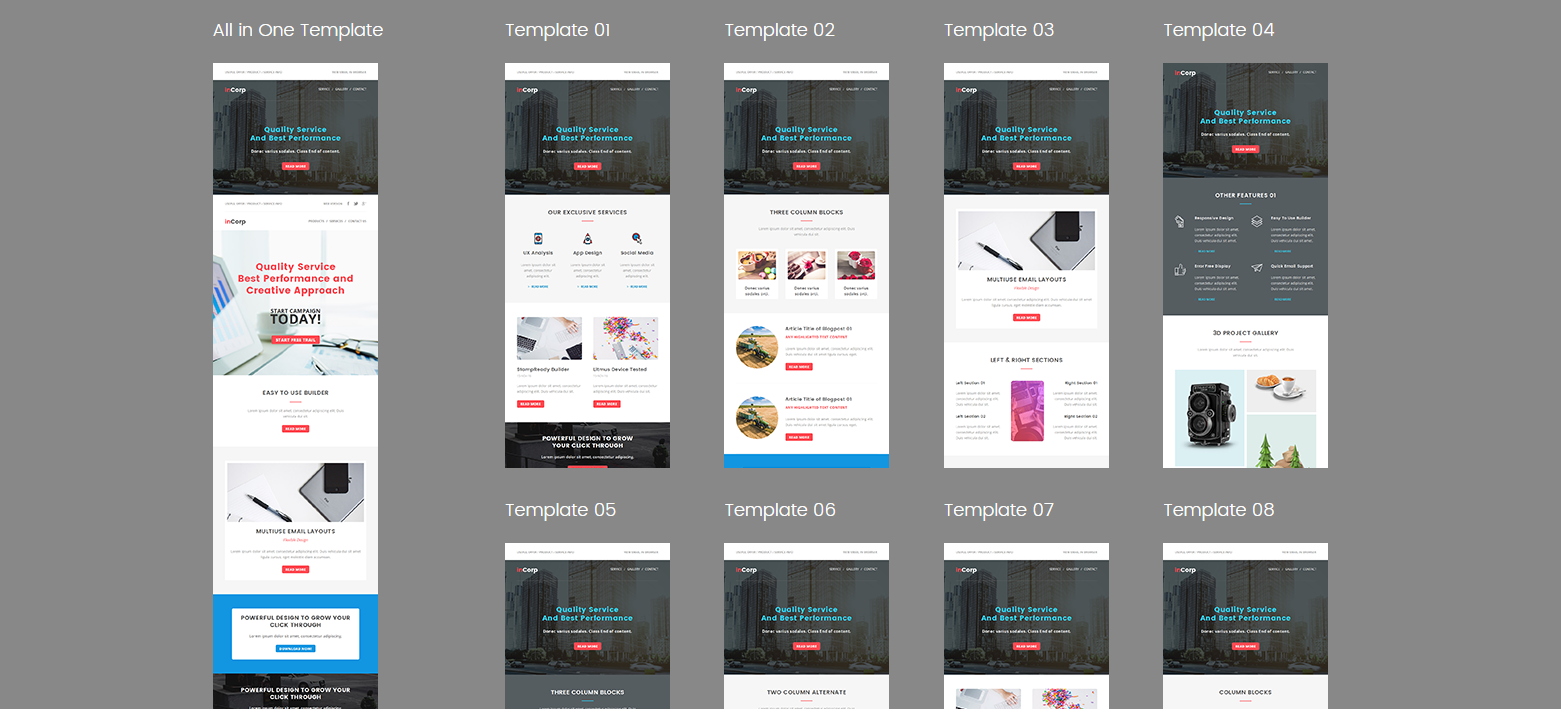
Squarespace has eye-catching templates. They look good on phones and computers. For instance, photographers can show off portfolios. Shops can display products. Restaurants can list menus. Each template fits your style. You can tweak them too. Change colors or fonts to match your vibe. Actionable Step: Browse the template gallery on Squarespace. Pick one that suits your field. Then, swap the sample text with your own to see it live.
2. Easy to Use
Squarespace is simple for beginners. Its drag-and-drop tool is a breeze. You can move parts, add pictures, or write text fast. Also, you can change layouts and colors easily. No coding needed here. For example, drag a photo block anywhere. Edit text in seconds. It’s fun to play with. Actionable Step: Log into Squarespace. Try dragging a text box or image. Save your changes to see how quick it is.
3. Shop Tools Built In
Want to sell stuff online? Squarespace has shop features ready. It handles stock, orders, and payments. For example, add products in minutes. Track sales with ease. It works with Stripe and PayPal for smooth payouts. You can sell digital items too—like ebooks or courses. So, it’s great for creators. Actionable Step: Set up a test product in Squarespace. Add a price and photo. Link your PayPal to practice a sale.
4. SEO and Tracking Tools
A site needs to be found. Squarespace boosts your Google rank with SEO tools. Add titles and keywords fast. Then, it tracks visits and sales with analytics. See where people come from. Spot top pages. This helps you grow. For instance, tweak a blog title to rank higher. Actionable Step: Go to SEO settings in Squarespace. Add a keyword like “best blog” to a page title. Check analytics after a week.
5. Mobile Ready
All Squarespace templates work on phones. Your site looks nice on any screen. Since phone use is up, this keeps visitors happy. Test it yourself—resize your browser. The design adjusts instantly. Also, edit on your phone if needed. It’s that flexible. Actionable Step: Open your Squarespace site on your phone. Check how it looks. Fix any text that’s too small.
6. Great Help
Squarespace offers solid support. It has guides, videos, and 24/7 chat. So, if you’re stuck, help is there. For example, search “add a button” in their help center. You’ll find a quick fix. Webinars teach you more tricks too. It’s a safety net for newbies. Actionable Step: Ask a question in Squarespace live chat. See how fast they reply. Bookmark their guides for later.
Why Choose a Website Builder?
1. All-in-One Tool
Squarespace covers it all. You get hosting, domains, and features in one spot. No extra tools needed. This saves hassle. For example, buy a domain right in Squarespace. Set up email there too. It’s perfect for new users who hate tech mess. Actionable Step: Check domain prices in Squarespace. Buy one that fits your brand—like “yourname.com.”
2. Good for Branding
Squarespace builds your brand well. It links to social media and emails. For instance, share posts from your site. Send branded emails to fans. Keep your style the same everywhere. This grows trust. Add a logo to tie it all together. Actionable Step: Link your Instagram to Squarespace. Post a site update there to test it.
3. Low Cost
Squarespace has plans for any budget. Start a blog for cheap. Run a shop without breaking the bank. Plans start at $16 a month. You get a lot for that. So, it’s smart for small projects or big ones. Actionable Step: Compare Squarespace plans online. Pick one under £20 to start small.
Is Squarespace or Wordpress Right for You?
Need an easy, nice-looking site? Squarespace could be it. It’s not as flexible as WordPress. But its simple design wins fans. Ease and looks make it special. For example, artists love the clean layouts. Shop owners like the shop tools. It fits many goals. Squarespace skips tech stress. You get pretty templates and good help. Focus on your goals—like growing a business or blogging. It’s that simple. Also, it grows with you. Start small, then add more later. That’s handy. So, want an easy website builder? Try Squarespace. It mixes style and function well. It might be your match. Not sure yet? Test it free first. See if it clicks. For more on starting with Squarespace, check their site here.