



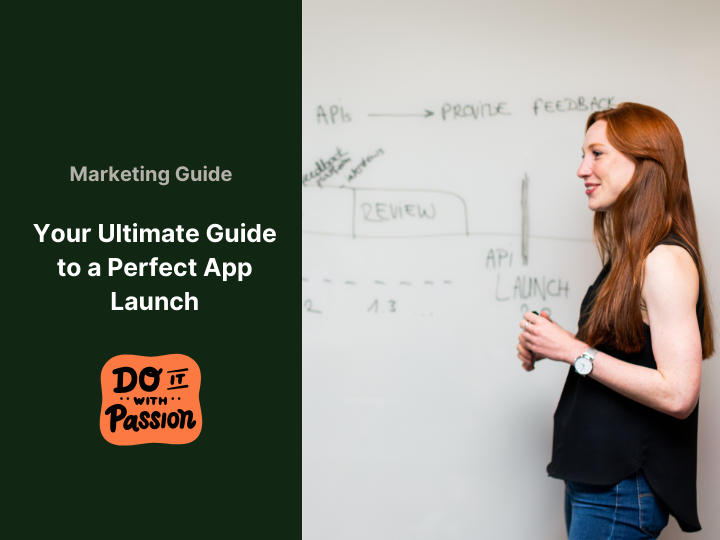
Guide to a Winning Smart App Launch:
An app launch is like hosting a big party. You want every detail to pop, from design to your audience. But a great app launch takes more than luck. You need a solid plan and the right tools. Maybe some coffee too!  Here’s a step-by-step guide to nail your app launch. It boosts visibility, engagement, and results.
1. Announce with a Bang on X
Kick off your app launch with a bold X tweet. Make it short and catchy. Highlight your app’s key perk. Add a cool image, tagline, and link. Spark interest fast. Get early users clicking for your app launch.
- Write a tweet under 280 characters with your app’s benefit.
- Pick a bright image and add a link to your app site.
- Post it at peak hours—like 1 PM or 7 PM.
2. Submit to Hacker News for Tech Buzz
Hacker News loves tech stuff. After your X post, share your app launch there. Answer comments quick. Chat with users. This builds buzz and feedback fast.
- Create a Hacker News account if you don’t have one.
- Submit your app with a clear title like “New App: .”
- Reply to at least five comments within 24 hours.
3. Share Your Journey and Set Up an Indie Hackers Product Page
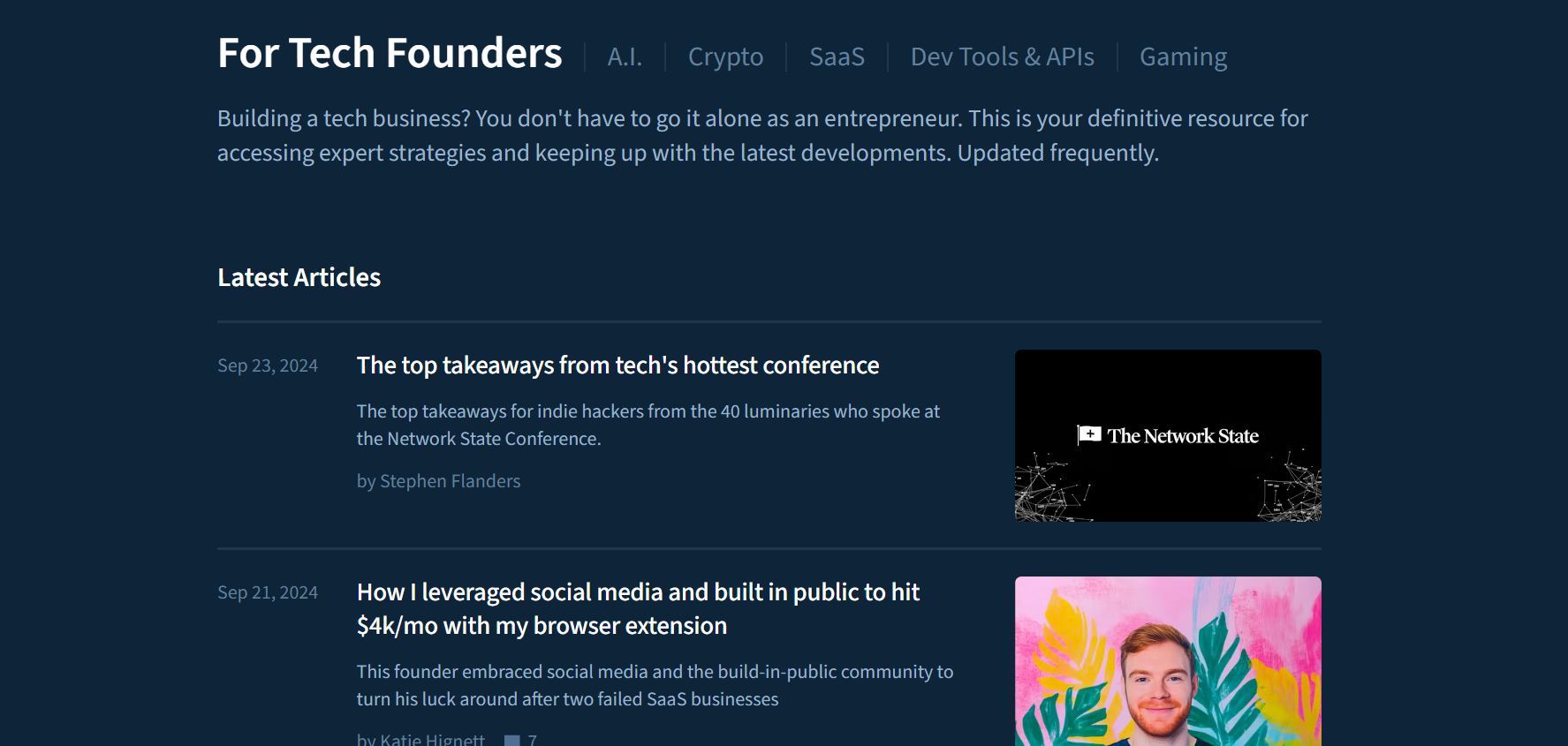
Folks on Indie Hackers like real stories. Tell why you built your app. Share the problem it fixes. Add some behind-the-scenes bits. Then, make a product page for your app launch. Post updates and get tips there. Keep it fresh to grow trust.
- Write a 200-word story about your app’s start.
- Set up an Indie Hackers product page with a photo.
- Post one update—like a new feature—each week.
4. Keep the Buzz Going with a Follow-Up Post
Got some traction? Post again on X for your app launch. Share a user quote or demo clip. Make it fun. Keep folks talking about it.
- Ask a friend to test your app and quote them.
- Record a 15-second demo video with your phone.
- Tweet it with a question like “What do you think?”
5. Reddit Entrepreneur Submission
Hit the Reddit Entrepreneur subreddit with your app launch. Talk about your journey and lessons. Show what’s special. Skip the hard sell. Start chats instead.
- Join the subreddit and read five posts first.
- Post a story titled “My App Launch Lessons.”
- Ask readers one question—like “What’s your hurdle?”
6. Build a Targeted Waitlist
A ready crowd is key for an app launch. Set up a waitlist with Mailchimp or ConvertKit. Offer perks like early access. This builds hype. Send sneak peeks to keep them excited.
- Sign up for Mailchimp and make a free form.
- Offer a perk—like “First 50 get free access.”
- Email a sneak peek photo one week before launch.
7. Send Personalised Emails to Key Users
Find early fans of your app launch. Email them special access or news. Make it personal. This gets them chatting about it.
- List five people who liked your X post.
- Write a short email with their name—like “Hey Sarah.”
- Give them a beta link and ask for feedback.

8. Push for Virality with a Third X Post
Momentum up? Go viral with your app launch. Post a big win—like sign-up numbers—on X. Tie it to a hot topic. Spread the word wide.
- Track sign-ups and note a number—like “100 users!”
- Tweet it with a trend hashtag—like #TechTuesday.
- Reply to five retweets to keep it buzzing.
9. Post-Launch Review
Your app launch isn’t over at go-live. Help users and get feedback. Good reviews keep the buzz alive. Ask for thoughts to plan updates.
- Email users a “How’s it going?” note.
- Add a feedback form link in your app.
- Fix one bug based on replies within a week.
10. Facebook Group Engagement
Join Facebook groups that fit your app. Share helpful tips first. Later, drop your app launch casually. Build friends, not just clicks.
- Find three groups—like “App Makers.”
- Post a tip—like “Test apps early.”
- Mention your launch in a comment after a week.
11. Professional Post on LinkedIn
On LinkedIn , pitch your app launch to pros. Show how it solves work problems. Link with leaders to boost it.
- Write a 100-word post on your app’s job perk.
- Tag two industry pros you follow.
- Share it in a LinkedIn group too.
12. Communities/Organisation
Got Tech Community ties? Share your app launch there. These folks get excited and give great input.
- List two tech groups you know.
- Email them a quick “Check my app” note.
- Ask one question—like “What feature’s missing?”
13. Product Hunt Launch
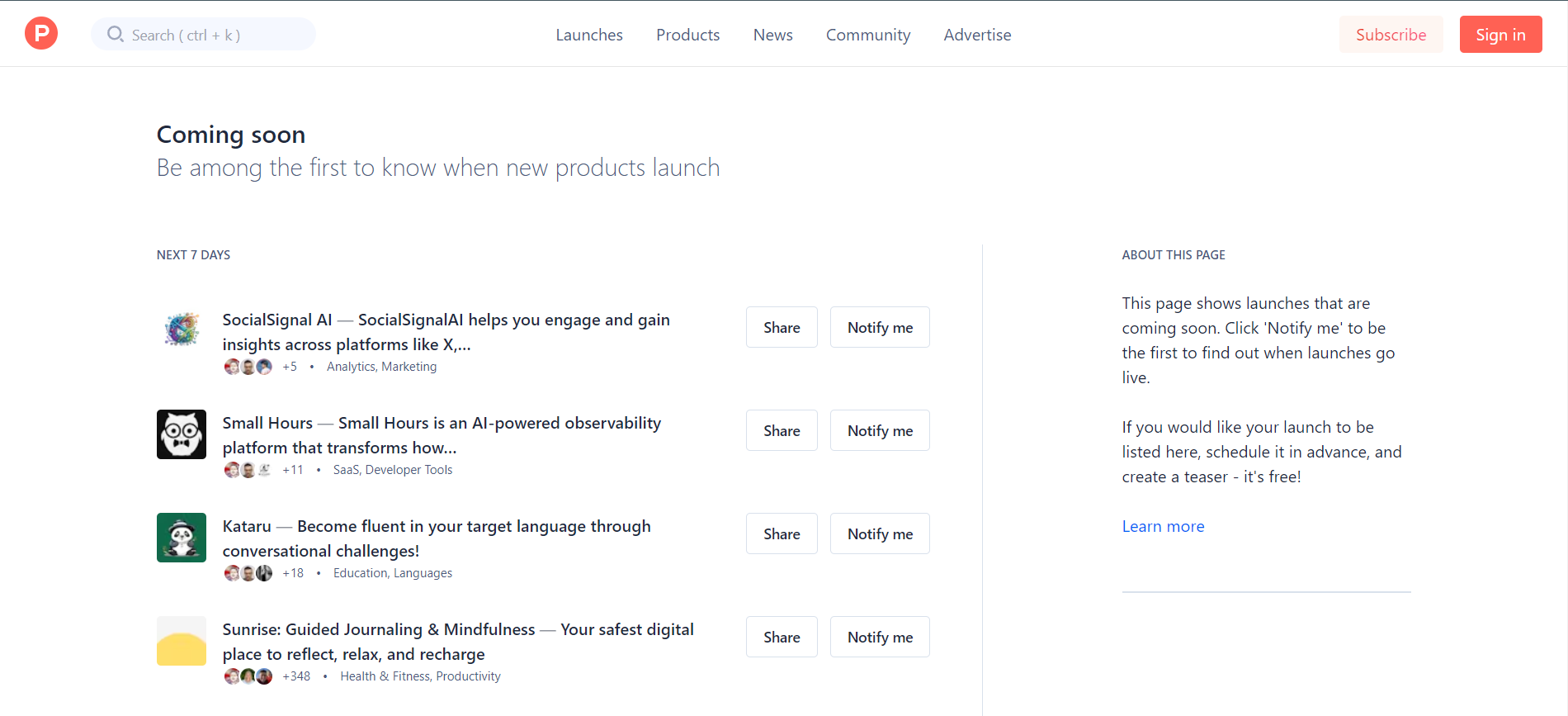
End with a bang on Product Hunt. Show off your app launch to early adopters. Make it sharp and chat with users. It’s a big visibility shot.
- Sign up on Product Hunt and add your app.
- Use a clear pic and short pitch—like 50 words.
- Answer three comments on launch day.
Keep the Momentum Going!
An app launch is step one. Post-launch, share updates and ask for feedback. Use analytics to spot issues. Fix them fast. This guide sets your app launch up right. Now, make it happen!
- Set up Google Analytics for your app site.
- Post an X update one week after launch.
- Email users a thank-you with a survey link.