




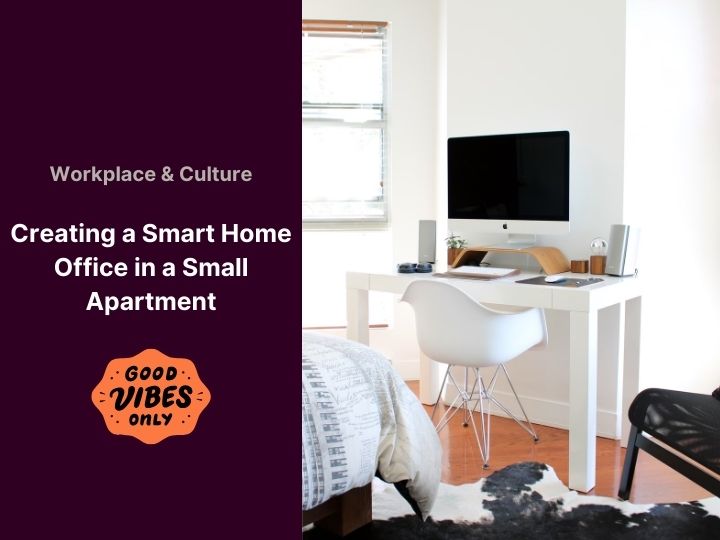
Considering upgrading your cramped workspace to a tech-savvy hub without sacrificing space? As more of us settle into remote work, the idea of a smart home office in a small apartment isn’t just a passing trend; it’s a game changer. Let’s learn how to set up the ultimate compact smart office, but you’ll also unlock the secrets to boosting productivity and futuristic flair without needing to move into a mansion.
Embrace a Dedicated Working Space
The magic of a smart home office lies in the gadgets and tech that do the heavy lifting. This isn’t about splurging on the fanciest devices. Instead, it’s about choosing wisely. Smart products eliminate inefficiencies and improve your daily workflow. But before diving into the allure of tech, think about the essentials that a smart setup prioritises.
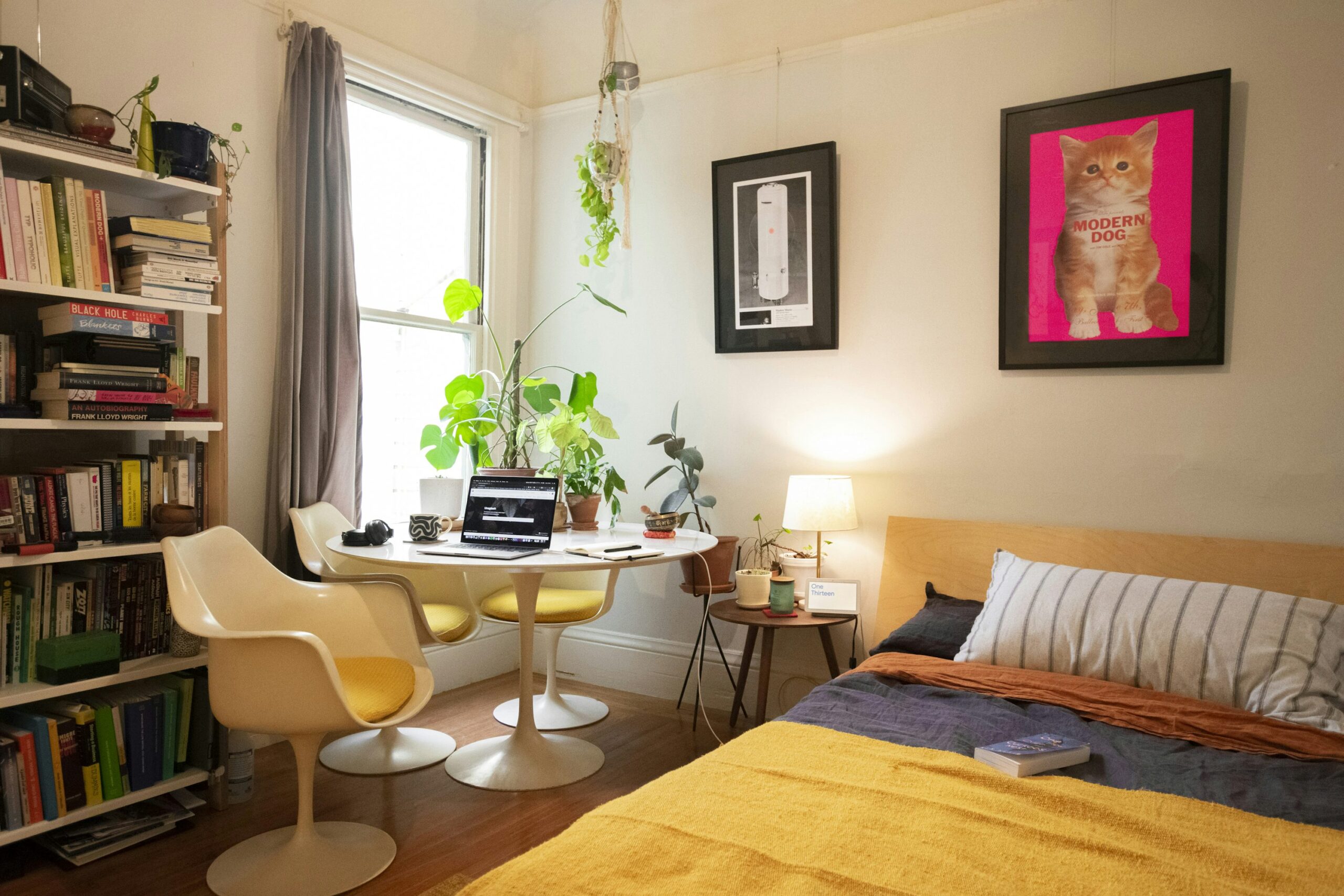 Start with knowing where your home Internet black-spots are!
If your tech doesn’t connect seamlessly, your new space will be as helpful as a chocolate teapot. Reliable Wi-Fi is the backbone of a smart home office. Mesh networks like Google Nest or Amazon Eero can offer consistent connectivity without dead zones. Also, don’t forget to secure your network; a strong password is a must. Take a look at our other article for more
Sets the Mood Mixing Smart and Natural Lighting
First, swap out outdated lamps for smart LEDs. You can pick up LED light strips from DIY stores or in a few clicks online. A simple change from standard bulbs to ones like LIFX can shift your workspace from chaos to zen. Control brightness and colour to match different tasks—dim, warm light for early morning emails and bright, cool light for focused coding sessions.
 Organise with Smart Plugs
For a streamlined setup, integrate smart plugs. These allow remote control over devices, reducing clutter and wasted energy. Imagine turning off your printer from the couch or underfloor heating when you wake up—with brands like TP-Link’s Kasa, this becomes a reality.
Prioritise Ergonomics for Your Smart Home Office
Creating a comfortable and productive home office doesn’t require a large space—just smart choices. Modern technology isn’t just about flashy screens and gadgets; it’s also about improving your health and well-being through ergonomic design. By prioritising ergonomics, you can reduce physical strain, boost productivity, and create a workspace that supports your body and mind.
Get a Smart Desk and Chair
Your desk and chair are the foundation of your home office. Investing in ergonomic furniture can make a world of difference to your posture, comfort, and long-term health. Consider an adjustable smart desk, like those from IKEA’s Idasen range. These desks allow you to switch between sitting and standing positions, promoting better circulation and reducing the risk of back pain. Many smart desks come with smartphone integration, enabling you to track your sitting and standing times and set reminders to move. Pair your smart desk with an ergonomic chair that supports your spine and encourages proper posture. Chairs like the Autonomous.ai Ergonomic Chair come with built-in sensors that alert you when you’ve been sitting too long or slouching. By combining a smart desk and chair, you’ll create a workspace that adapts to your needs and helps you stay healthy. Actionable Tips:
- Adjust Your Desk Height: Ensure your desk is at elbow height when seated, with your monitor at eye level to avoid neck strain.
- Take Regular Breaks: Use your smart desk’s reminders to stand up and stretch every 30 minutes.
- Invest in a Footrest: If your feet don’t rest flat on the floor, add a footrest to improve circulation and reduce leg fatigue.
Enhance Air Quality with Smart Devices
Air quality plays a crucial role in your comfort and productivity. A stuffy, poorly ventilated office can lead to fatigue, headaches, and difficulty concentrating. Smart air purifiers, like Dyson’s Pure Cool, can monitor your air quality in real-time and adjust settings to maintain an optimal breathing environment. These devices remove allergens, dust, and pollutants, ensuring your workspace stays fresh and clean. In addition to air purifiers, consider adding a smart humidifier or dehumidifier to maintain the right humidity levels. Too much moisture can lead to mould, while dry air can cause skin irritation and respiratory issues. By integrating smart air quality devices, you’ll create a healthier workspace that supports focus and well-being. Actionable Tips:
- Monitor Air Quality: Use a smart air purifier with real-time monitoring to track pollutants and allergens.
- Add Plants: Incorporate air-purifying plants like snake plants or peace lilies to naturally improve air quality.
- Ventilate Regularly: Open windows or use a smart fan to circulate fresh air throughout the day.
Productivity Hacks
Transforming your home office into a productivity powerhouse doesn’t mean working harder, it means working smarter! By integrating the right tools and technologies, you can streamline your workflow, minimise distractions, and stay on top of your tasks.
Smart Notebooks and Cloud Integrations
If you love the feel of pen and paper but want the convenience of digital storage, smart notebooks like the Rocketbook Everlast are the perfect solution. These reusable notebooks allow you to take handwritten notes, then digitise and upload them to the cloud with a simple scan. Whether you prefer Google Drive, Dropbox, or Evernote, your notes are instantly accessible from any device, eliminating clutter and ensuring you never lose important information. Smart notebooks are ideal for brainstorming, meeting notes, or to-do lists. Plus, they’re eco-friendly, as you can wipe the pages clean and reuse them indefinitely. By combining the tactile experience of writing with the efficiency of digital storage, you’ll stay organised and productive. Actionable Tips:
- Organise Digitally: Use cloud storage to categorise and label your notes for easy retrieval.
- Sync Across Devices: Ensure your notes are accessible on your smartphone, tablet, and computer.
- Set Reminders: Use your smart notebook app to set reminders for important tasks or deadlines.
Task Management with AI Assistants
Staying on top of your tasks can be challenging, especially when juggling multiple projects. AI-powered task management tools like Trello or Notion can help you stay organised and focused. These platforms allow you to create task lists, set deadlines, and automate repetitive actions, saving you time and reducing mental clutter. For example, you can set up automated reminders for upcoming deadlines or use AI to prioritise tasks based on urgency. By syncing your tools together, you’ll create a cohesive tech ecosystem that keeps your workflow smooth and efficient. Actionable Tips:
- Break Down Projects: Divide large tasks into smaller, manageable steps using task management tools.
- Automate Repetitive Tasks: Use AI to handle routine actions like sending follow-up emails or scheduling meetings.
- Track Progress: Regularly review your task lists to stay on track and adjust priorities as needed.
Creating a smart, ergonomic home office is about more than just cool looking setups, it’s about designing a space that supports your health, productivity, and well-being. By investing in smart furniture, enhancing air quality, and integrating productivity tools, you can transform even the smallest space into a functional and inspiring workspace. 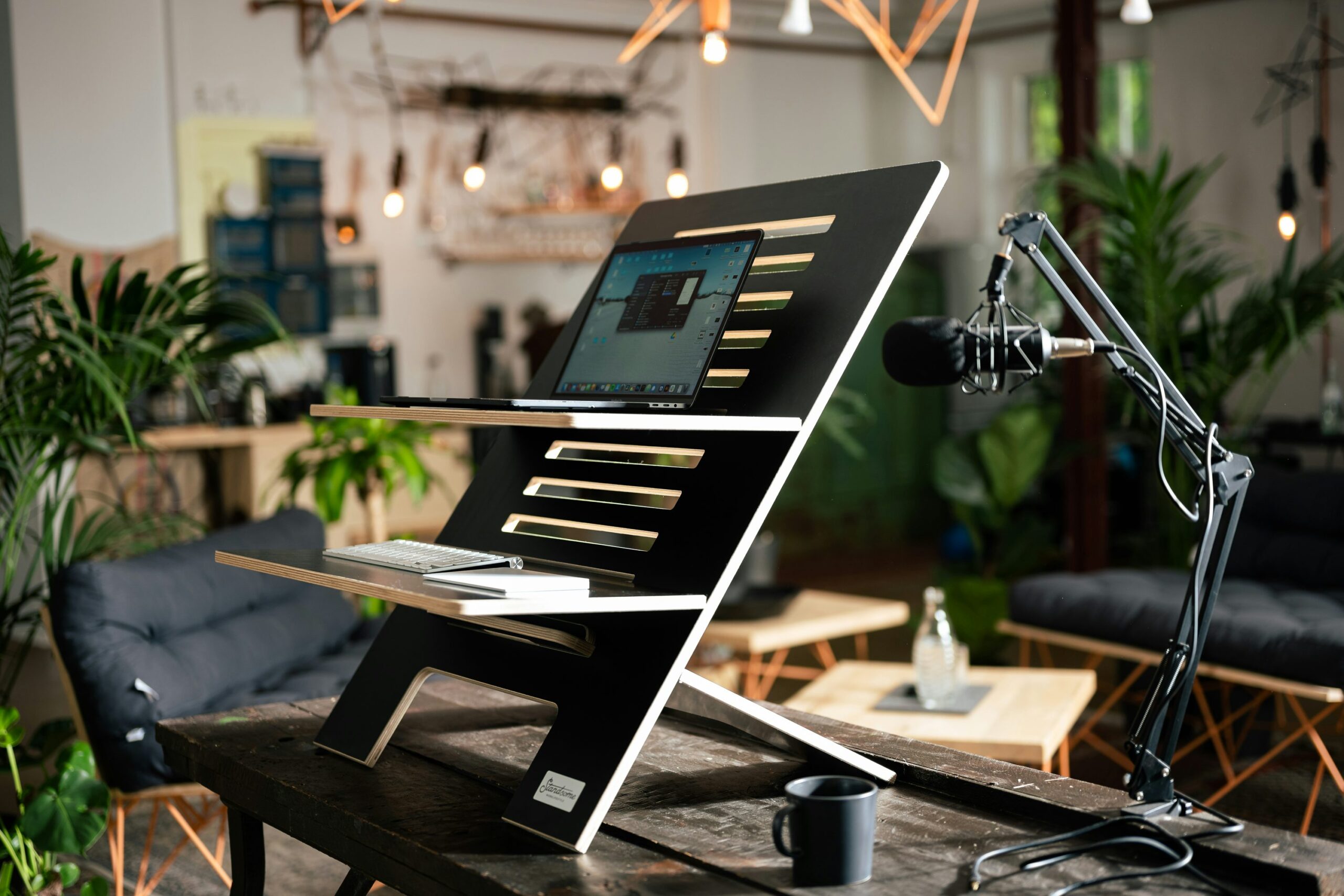
Collaboration and Video Conferencing
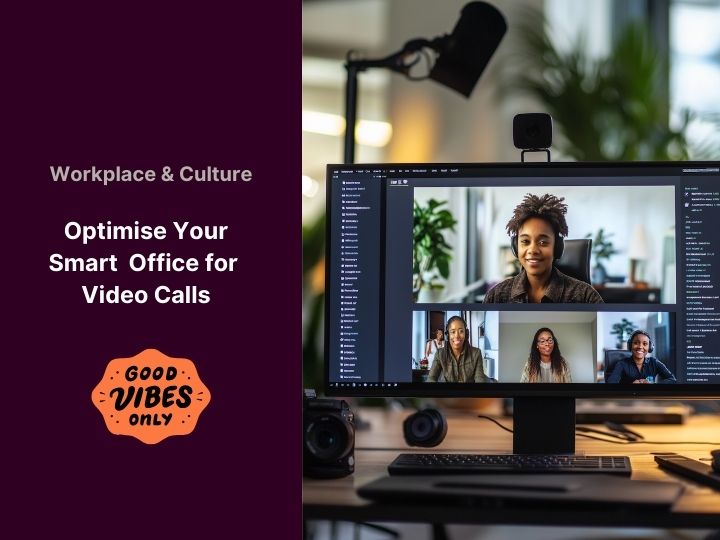
Your small apartment doesn’t need to isolate you from the world. Zoom , Microsoft Teams , and Google Meet connect you to colleagues and clients globally. Equip yourself with a HD webcam, and maybe a ring light to avoid looking like you’re in witness protection. Make sure your screen is not on your lap and raised to maintain a professional look.
Optimise Space with Multi-Purpose Gadgets
Smart gadgets can offer incredible functionality while keeping your space uncluttered—if you choose wisely. By selecting devices that serve multiple purposes, you can maximise utility without overcrowding your workspace. Here are some multi-purpose gadgets that are perfect for small spaces.
Smart Speakers with Displays
Modern smart speakers often double up as both speakers and compact screens for news updates, calendar reminders, or even video calls. These devices are designed to optimise your space, eliminating the need for separate gadgets. For example, the Amazon Echo Show or Google Nest Hub can act as a speaker, personal assistant, and mini-display, all in one sleek device. Check out our other article for a deeper dive into hub setups: Home Hub Revolution Actionable Tips:
- Placement: Position your smart speaker on a desk or shelf where it’s easily accessible but doesn’t take up much space.
- Customise Notifications: Set up calendar reminders, weather updates, or news alerts to stay organised without cluttering your phone.
- Use Voice Commands: Control your smart home devices, play music, or make calls hands-free to save time and effort.
Compact Printer-Scanner Combos
For small offices, a printer-scanner combo is a game-changer. Devices like the HP Tango X merge office necessities into a single, compact unit. These gadgets support smartphones and tablets, fit easily on a shelf, and can be tucked away when not in use—perfect for maximising space without sacrificing functionality. Actionable Tips:
- Wireless Connectivity: Choose a printer-scanner with wireless capabilities to reduce cable clutter.
- Space-Saving Design: Look for models with a small footprint that can be stored vertically or in a cabinet.
- Multi-Functionality: Use the scanner for digitising documents and the printer for essential hard copies, all in one device.
By choosing devices that combine functionality, you can create a clutter-free environment that works as hard as you do. 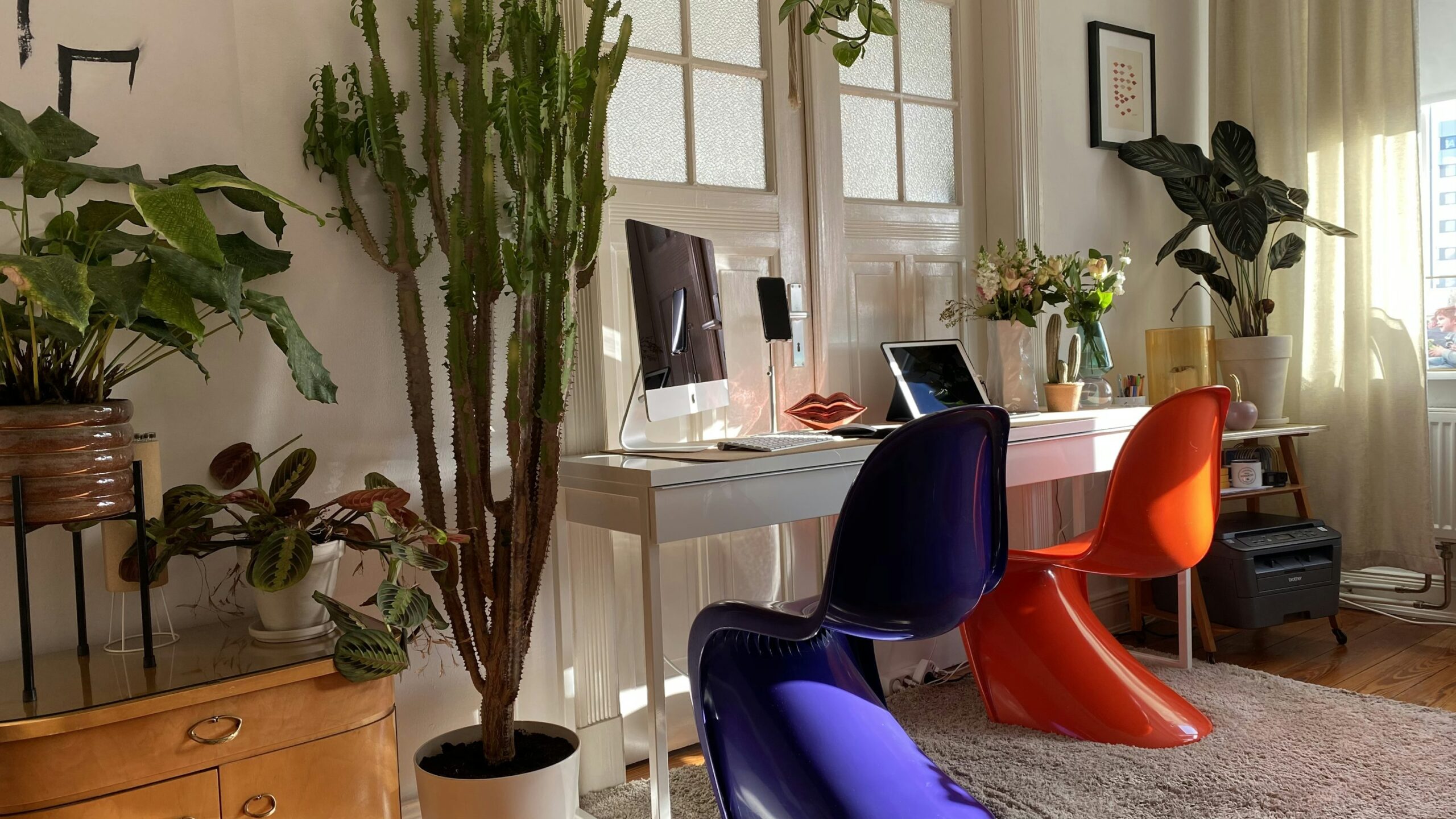
Security and Privacy in Small Spaces
With all the tech integration, security cannot be sidelined. Keeping data secure in a compact setting is crucial, especially if work involves sensitive information. We will put a summary below but if you want to dive into the details check out our security category: Smart Security
Secure Your Network
Ensure your firewall is active, and antivirus updated. Tools like Bitdefender offer comprehensive cover for your smart devices and workstations. Password managers, such as 1Password , help manage multiple accounts without compromising convenience.
HD Smart Cameras
If your work involves handling valuable equipment or confidential information, additional security won’t hurt. Install smart cams like theArlo Pro. These integrate with home assistants and offer peace of mind, knowing your workspace is watched over. Having a smart home office in a small apartment means investing in tech that syncs, secures, and simplifies. Transitioning your small space into a high-tech haven creates a productive and enjoyable working environment. Not much space? No problem… your smart devices have got your back!