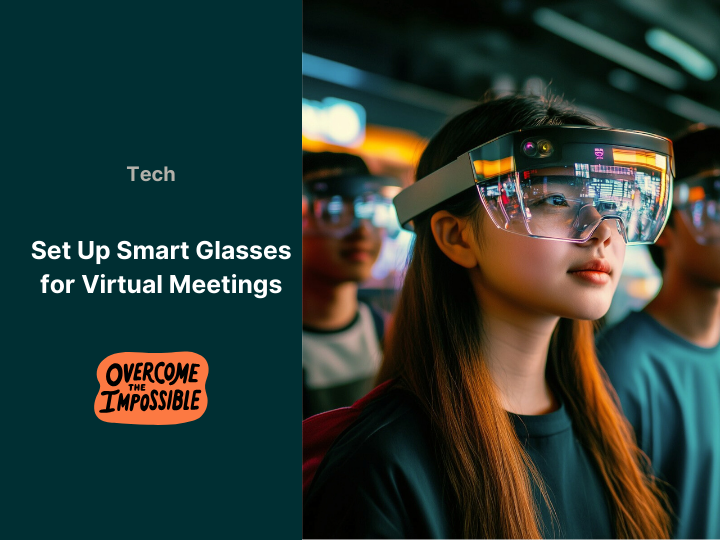






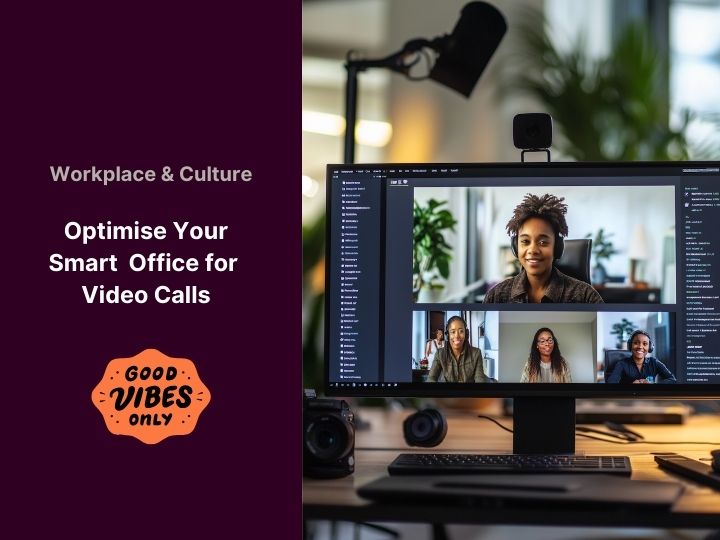
With remote work now the norm, creating a smart office that is both functional and camera-ready is essential. In this guide, discover expert tips to enhance your video call experience, ensuring a professional and seamless appearance. From smart lighting to advanced audio solutions, we cover everything you need to optimize your workspace.
Smart Lighting: The Foundation of a Professional Look
Lighting is the cornerstone of any smart office setup. Poor lighting can leave you looking shadowy or washed out, while proper lighting highlights your best features. Smart lighting solutions, like Philips Hue or LIFX , allow you to adjust brightness and color temperature to match your environment.According to a Lifewire survey, 80% of employees believe good lighting enhances productivity. For video calls, position lights in front of you to avoid shadows, and use warm tones for a natural look.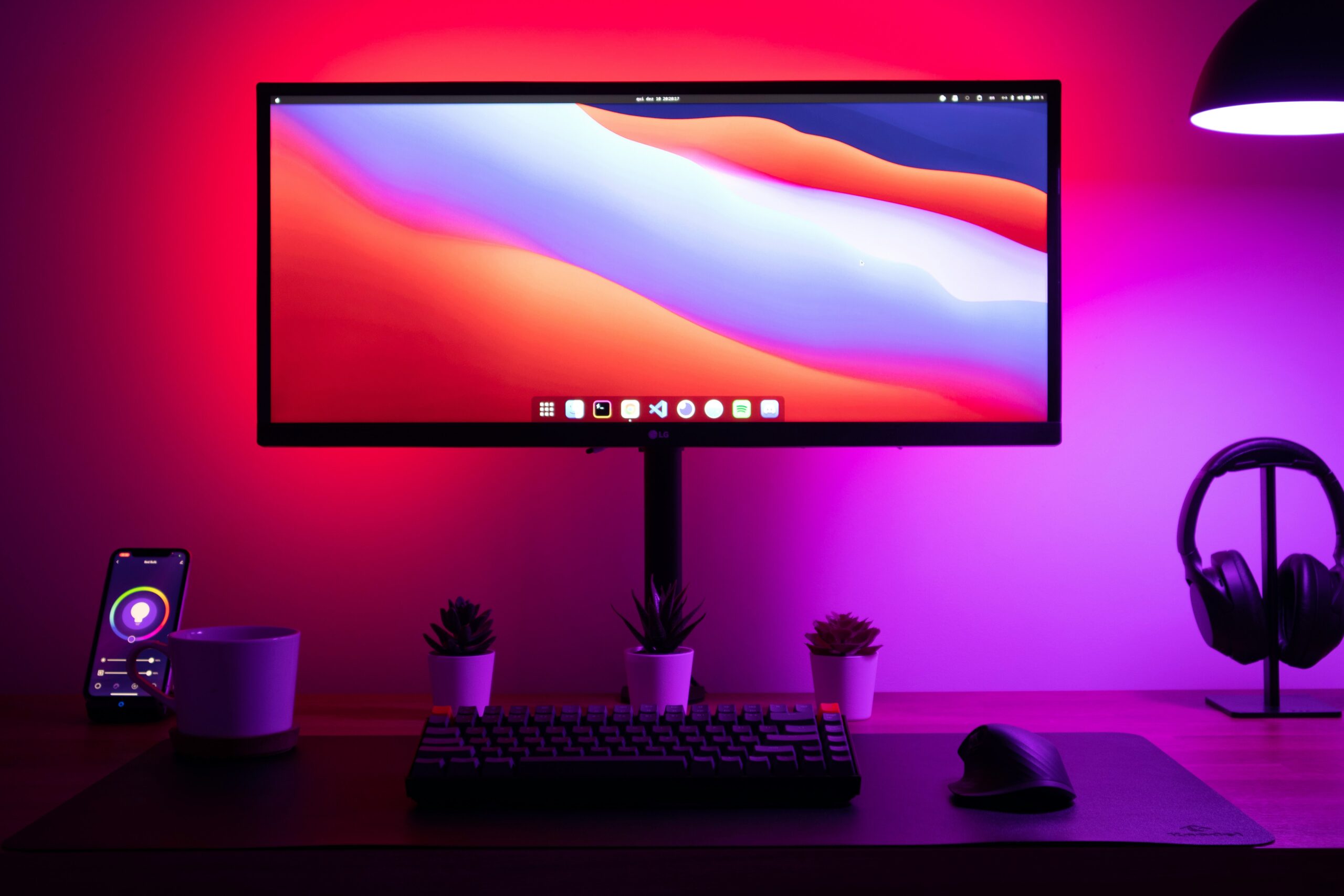
The Backdrop: Minimalism Meets Professionalism
Your backdrop plays a crucial role in how you’re perceived during video calls. A cluttered background can distract from your message, while a clean, minimalist setup creates a polished look. Consider using a neutral wall, a curated bookshelf, or even a virtual background. In a study by IKEA, 72% of participants reported increased comfort and productivity in well-organized spaces. Keep your backdrop simple and professional to maintain focus on you. Clear audio is just as important as good video. Background noise, echo, or poor microphone quality can disrupt conversations and make communication difficult. Here’s how to ensure your audio is top-notch:
Microphones
Invest in a high-quality microphone for clear, professional sound. Popular options include:
- Blue Yeti : A versatile USB microphone with multiple pickup patterns.
- Shure MV7 : A dynamic microphone with both USB and XLR connectivity.
- Rode NT-USB : A studio-quality microphone with excellent clarity.
Noise-Cancellation Techniques
Use noise-canceling headphones like the Bose QuietComfort 45 or Sony WH-1000XM5 to block out background noise. Additionally, consider software solutions like Krisp or NVIDIA RTX Voice to eliminate unwanted sounds during calls. A Jabra survey found that clear audio improves meeting efficiency by 52%. Don’t underestimate the importance of high-quality audio in your smart office setup. 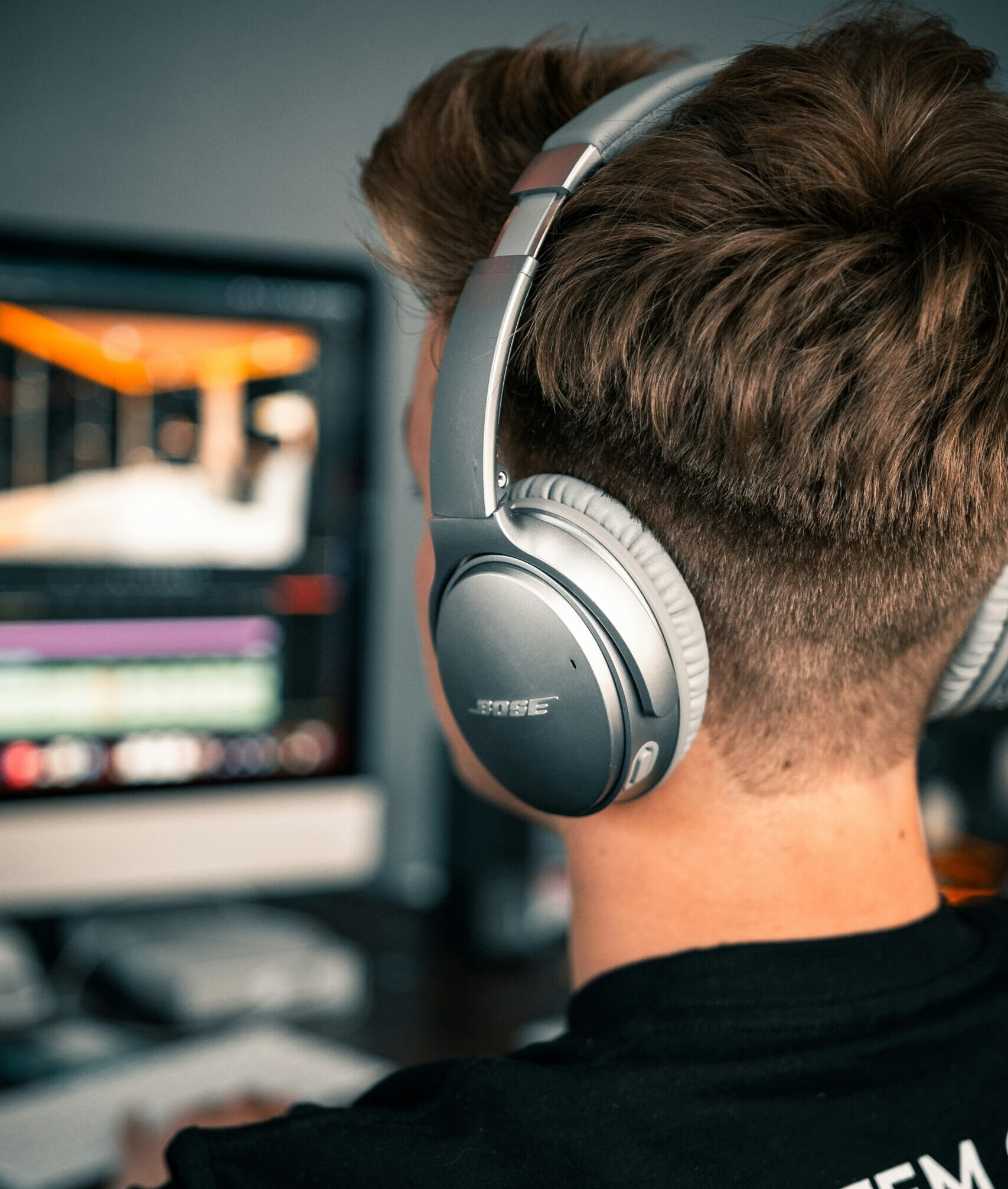
Camera Angles and Posture: Look Your Best on Screen
[Update based on comments] Your camera setup and posture can significantly impact how you’re perceived during video calls. Here’s how to get it right:
Camera Angles
Position your camera at eye level or slightly above to create a flattering angle. Avoid placing the camera too low, as this can create unflattering shadows and make you appear less professional. Use a tripod or a laptop stand to achieve the perfect height.
Good Posture
Maintain good posture to appear confident and engaged. Sit up straight, keep your shoulders back, and position yourself at a comfortable distance from the camera. Avoid slouching or leaning too close to the screen. Pro Tip : Use a high-resolution webcam like the Logitech Brio or Razer Kiyo Pro for superior image quality. These cameras offer features like autofocus, low-light correction, and adjustable field of view to ensure you look sharp in any setting. 
Ergonomics: Comfort Meets Productivity
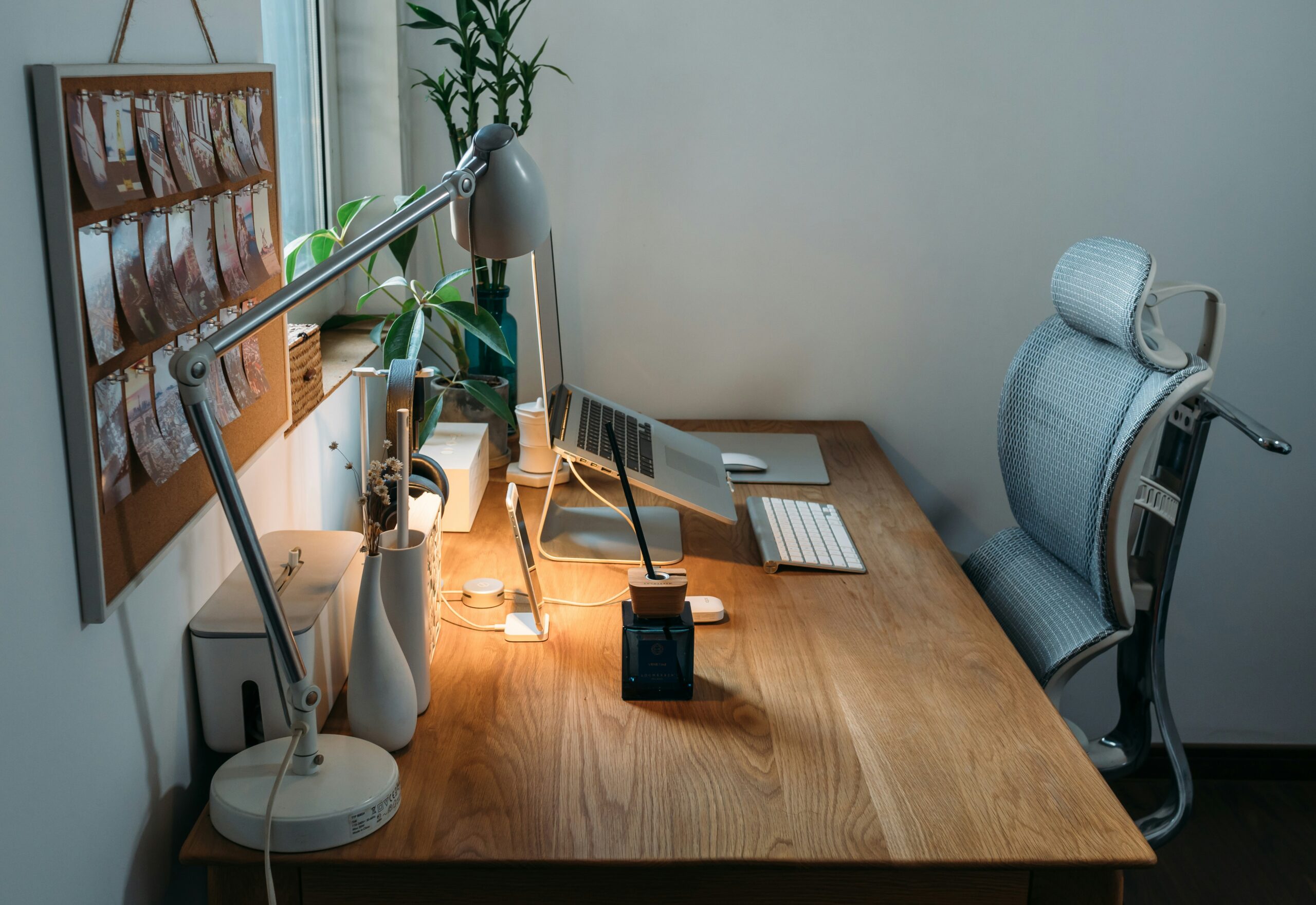
Long hours at your desk can strain your body, leading to discomfort and reduced productivity. An ergonomic workspace is essential for maintaining focus and energy throughout the day. Studies in the Journal of Ergonomics show that ergonomic improvements boost productivity by 20%. Prioritize comfort and functionality in your smart office setup.Here’s what you need:
- Standing Desk : A smart standing desk like the Uplift V2 or Fully Jarvis allows you to switch between sitting and standing positions.
- Ergonomic Chair : Invest in a chair like the Herman Miller Aeron or Steelcase Leap to support your posture.
- Monitor Placement : Position your monitor at eye level and at arm’s length to reduce neck strain.
Connectivity: Interruptions Are A Big No-No!
Lagging video calls and dropped connections can disrupt communication and leave a poor impression. A high-speed internet connection is crucial for smooth, uninterrupted professional meetings. We know we go on about this a lot but it’s important to have reliable connectivity. According to Speedtest, the global average internet speed in 2023 was 104.24 Mbps. Aim to match or exceed this for optimal performance.In summary:
- Smart Router : Use a high-performance router (like the Netgear Nighthawk or Google Nest Wifi).
- Mesh Wi-Fi : For larger spaces, consider a mesh Wi-Fi system (like Eero or TP-Link Deco for strong signals)
- Wired Connection : For the most reliable connection, use an Ethernet cable.
Ensuring Professionalism and Productivity in Your Smart Office
Optimising your smart office with the right technology and setup enhances your video call experience, ensuring professionalism and productivity. From smart lighting and advanced audio solutions to ergonomic furniture and reliable connectivity, these upgrades help you make a lasting impression in virtual meetings. Start with these simple changes and take your video calls to the next level.