





Ever feel like your chair is swallowing you whole by 3 pm? Like you’re gradually becoming one with the furniture? You’re not alone, and no, it’s not just Monday blues. Poor office ergonomics might be silently sabotaging your health. But here’s the good news: fixing it doesn’t have to mean splashing out on the latest space-age chair. In fact, with a bit of creativity and know-how, you can transform your workspace into a healthier, more supportive environment, without maxing out your budget.
Why Ergonomics Isn’t Just a “Nice-to-Have”
We often talk about ergonomics like it’s a “nice-to-have”, something you worry about once your business hits unicorn status. But here’s the truth: good ergonomics isn’t a luxury. It’s a foundation for physical and mental health.
Poor posture, bad lighting, and awkward desk setups, all of which can lead to headaches, back pain, joint stiffness, eye strain, and even long-term issues like repetitive strain injury (RSI). And once those aches start, they don’t tend to go quietly.
According to the National Institute for Occupational Safety and Health, poor ergonomics is directly linked to decreased productivity and morale. But more than that, it can impact sleep quality, mental clarity, and energy levels. If you’re slogging through each day, feeling exhausted despite barely moving, your workstation might be to blame.
Good ergonomics isn’t about perfection—it’s about making your body feel supported, not punished.
How to Build a Healthier Workspace Without Burning Your Budget
The good news? You don’t need a design consultant or cutting-edge kit to create a better space. Many of the best ergonomic upgrades are either free or hilariously low-cost.
Let’s break it down.
1. The Screen Shouldn’t Be a Neck Workout
A lot of us work with screens that are either too low or shoved off to one side, which means our neck is constantly twisted or tilted. Over time, that builds tension in your shoulders, traps, and upper back. Not exactly the wellness vibe we’re after.
Here’s how to fix it:
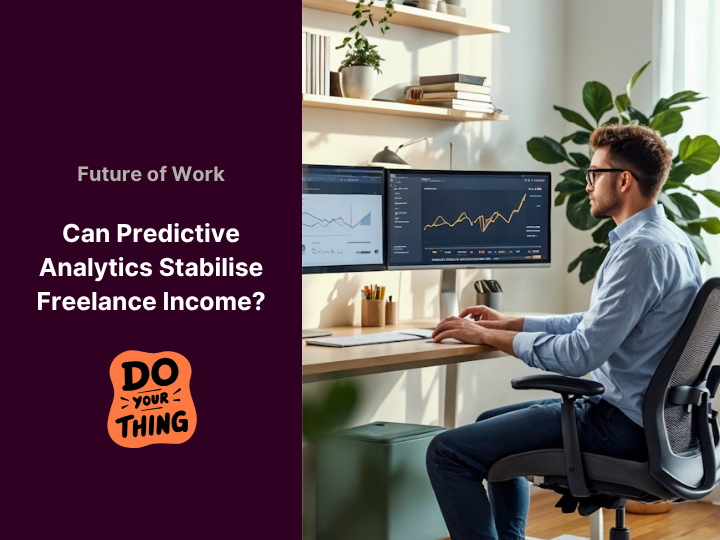
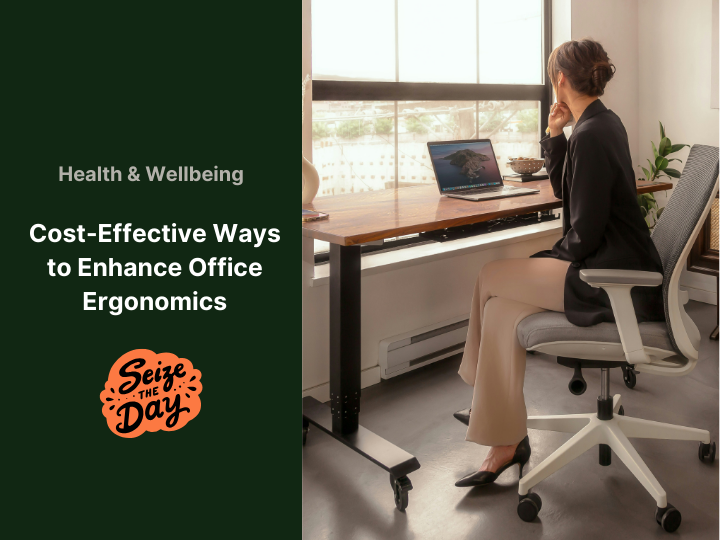
Your monitor should be directly in front of you, with the top edge at or just below eye level. Can’t afford a monitor riser? Stack up a few sturdy books or use an old shoebox. It’s not fancy, but your spine won’t care.
If you’re using a laptop, an external keyboard and mouse (even a cheap one), plus a laptop stand, can make a huge difference. You can find some budget-friendly laptop stands here.

2. Keyboard and Mouse: Keep It Close and Comfy
Your keyboard should sit flat on the desk, about elbow-height, so your arms can stay relaxed. Wrists should be straight, not bent up or down like you’re playing a mini piano recital. Your mouse? It should live right next to your keyboard, not off in the wilderness. If you’re reaching across the desk every time you need to click something, you’re setting yourself up for shoulder strain. Small shifts here reduce your chances of developing RSI or chronic wrist pain. That’s a big win, especially for those of us who click and type all day like it’s a sport. Tools like Logitech’s ergonomic keyboards and mouse make it easier to get that setup just right, without sacrificing performance or style.

3. Let’s Talk About Chairs (Because Your Bum Deserves Better)
We’re not all sitting in high-end, lumbar-cradling masterpieces. And that’s fine. The key is getting the most out of what you’ve already got.
Here’s how to turn even a bog-standard chair into something that actually supports you:
-
Seat height: Your feet should rest flat on the floor, knees at a 90-degree angle.
-
Backrest: Adjust it to support the natural curve of your lower back (a small pillow or rolled-up jumper works wonders).
-
Armrests: These should be just high enough to support your forearms without lifting your shoulders.
Remember: an adjustable chair isn’t helpful unless you adjust it.
Want to go the extra mile? A basic lumbar cushion or seat pad costs less than a takeaway dinner and does more good in the long run.
The Tiny Details That Pack a Punch
Sometimes, the little things make all the difference. These quick, budget-friendly wins can transform how your body feels by the end of the day.
Light: Be Kind to Your Eyes
Most people underestimate how much bad lighting affects their mood and energy. Harsh overhead fluorescents? No thanks. Dim cave vibes? Also not ideal.
Go for soft, indirect lighting whenever you can. If you’ve got a window nearby, make the most of natural light (just don’t sit with it glaring behind your screen). A small desk lamp with a warm LED bulb can do wonders, less strain, fewer headaches, and it actually helps you wind down better at night.
For a deeper dive into how smart lighting choices support both comfort and eye health, check out this guide on ergonomic lighting for workspaces.
Declutter: Clear Space, Clear Mind
Ergonomics isn’t just about posture. It’s also about how you move through your space.
A cluttered desk means more awkward angles, more reaching, and more strain. Plus, visual chaos makes your brain work harder. That’s energy better spent on, well… anything else.
Encourage a regular declutter session (five minutes on a Friday works). Not only will your team’s desks look better, but their bodies and brains will feel the benefit too.
Make Ergonomics a Shared Habit, Not a One-Off Fix
Ergonomics isn’t a one-off task you tick off during a workspace revamp. Instead, you build it into your daily routine, a quiet commitment to treating your body with a little more respect as you work. When you catch yourself slumping, take a moment to readjust your chair. Encourage your team to view stretching every couple of hours as smart, not lazy. Share tips and quick wins, and don’t hesitate to use a rolled-up hoodie as a clever lumbar support hack. And if you’re ready to level up, Herman Miller’s Thrive Ergonomic Office Chairs make it easier to support good posture all day long, whether you’re working solo or setting a new standard for your team. Even better? They’re offering 25% off right now during the Summer Play Sale, making it the perfect time to elevate your workspace. Please note, the sale ends on 11 August 2025, so don’t wait too long! While these practical tips are essential, the world of workspace wellness and ergonomic innovation is constantly evolving. For those looking to stay truly ahead, whether for personal well-being or optimizing a team’s environment, having insights into emerging health tech trends, new ergonomic product developments, and the broader market shifts in workplace productivity tools is invaluable. This type of proactive intelligence can help you identify cutting-edge solutions that genuinely boost comfort and efficiency. 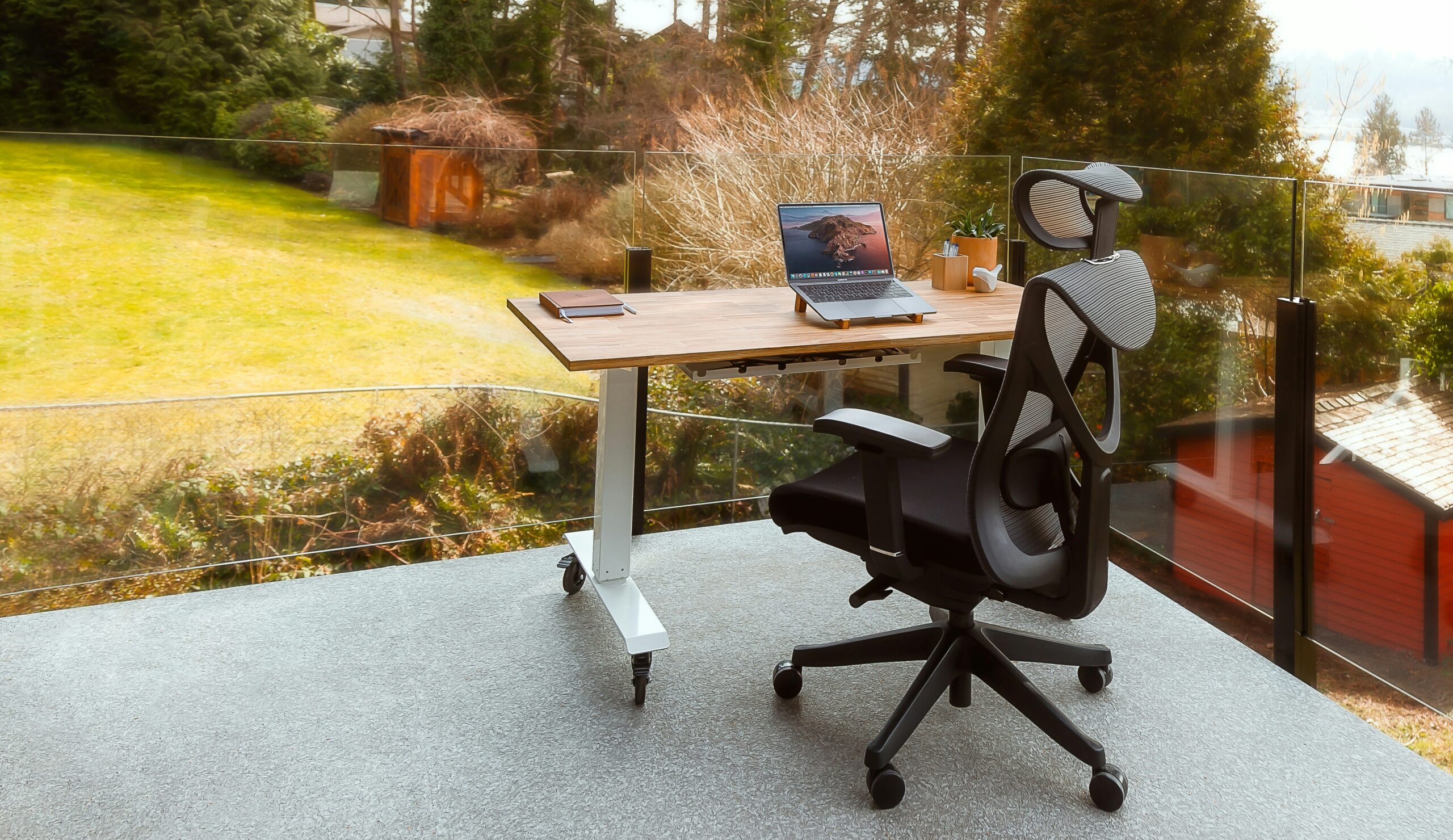
Smart Additions That Won’t Empty Your Wallet
Now you’ve got a bit of budget to play with, you can still be strategic. Look for high-impact, low-cost accessories:
-
Wrist supports to keep hands in a neutral position
-
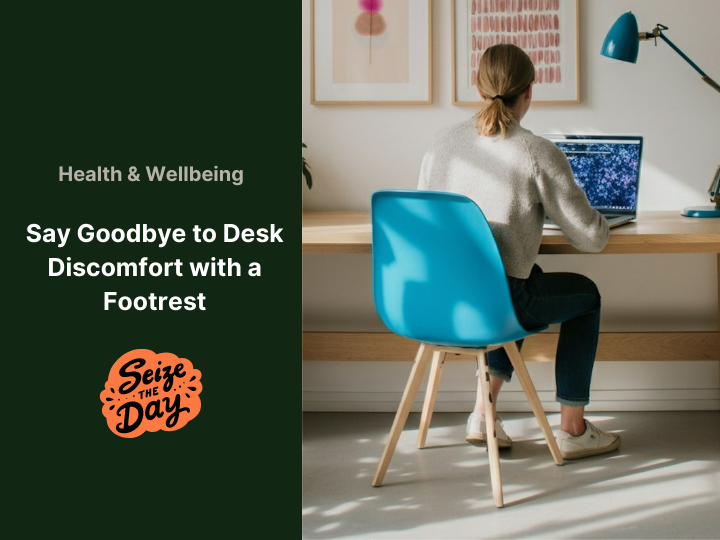
Footrests to support shorter legs or reduce leg fatigue
-
Seat cushions to improve posture and reduce pressure
Bulk buys are your friend here, especially if you’ve got a whole team to support. And remember, these aren’t just purchases, they’re investments in long-term health and productivity.
The Bottom Line is Healthy Doesn’t Have to Mean High-Tech
You don’t need fancy furniture or a techy workspace overhaul to take ergonomics seriously. All it takes is a shift in mindset and a few practical tweaks. When people talk about tech and workspaces, they often focus on features and forget about the people using them. Our bodies didn’t evolve to handle 10-hour stints in awkward positions; that’s why human-first design truly matters. Stop sinking into your chair and start supporting your health one screen lift and footrest at a time.