





Is Your Home Office Lighting Hurting Your Eyes? Here’s How to Fix It
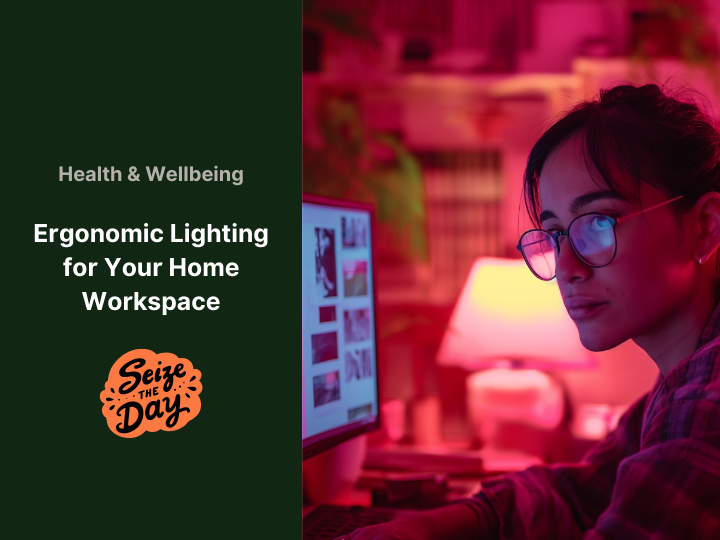
Ever finish a long day working from your home office only to find your eyes feeling tired, strained, or downright achy? You’re not the only one. As more of us shift to remote work, one often overlooked culprit behind that discomfort is lighting, specifically, whether your workspace lighting is actually kind to your eyes.
Let’s dive into why lighting matters so much for your eye health and productivity, and how a few simple tweaks can turn your home office into a much more comfortable place to get things done.

Why Lighting Isn’t Just About Looks
Good lighting does more than brighten up your room. It directly affects how your eyes feel, how focused you stay, and even how productive you are. Poor lighting can trigger headaches, eye strain, and fatigue, and no one wants that to drag through the workday.
In fact, a Baylor University survey found that 42% of professionals experience eye strain because of their work environment’s lighting. So, if your eyes feel tired by mid-afternoon, your lighting setup might be working against you.
What Kind of Lighting Works Best?
When setting up your home office, you’ll want to consider a mix of lighting types. Here’s the lowdown:
-
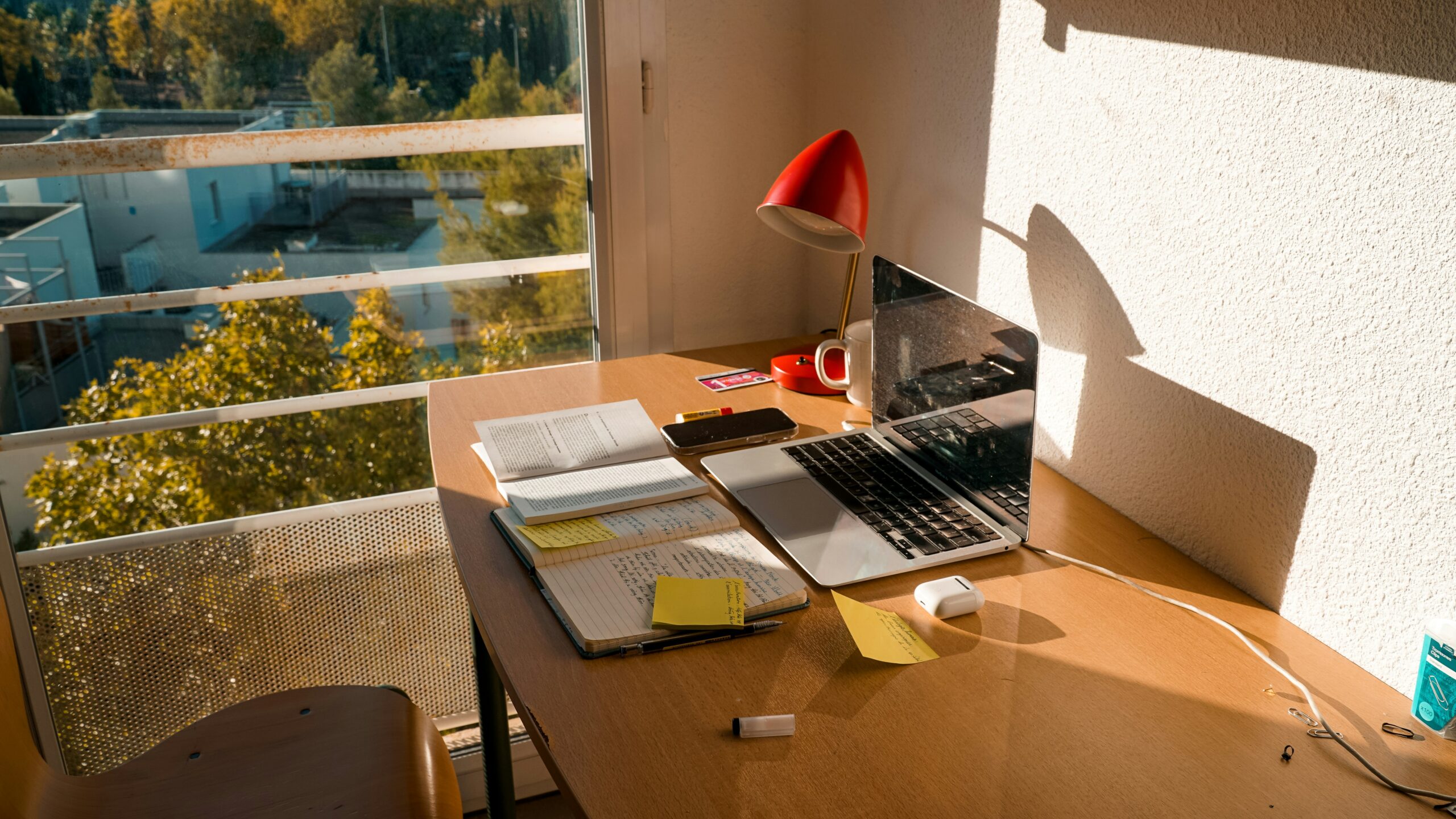
Natural Light: Your best friend. Try to position your desk near a window to soak up as much natural daylight as possible. Not only does it feel better on your eyes, but studies show natural light helps regulate your body clock, boosting mood and alertness.
-
Artificial Light: For late-night work sessions, artificial light has to step in. LED bulbs are popular because they’re energy efficient and come in colours that mimic daylight. Choosing the right tone here makes a big difference.
-
Ambient Light: This is the general background light in your room. Overhead fixtures should evenly light the space to prevent harsh shadows or glare on your screen.
-
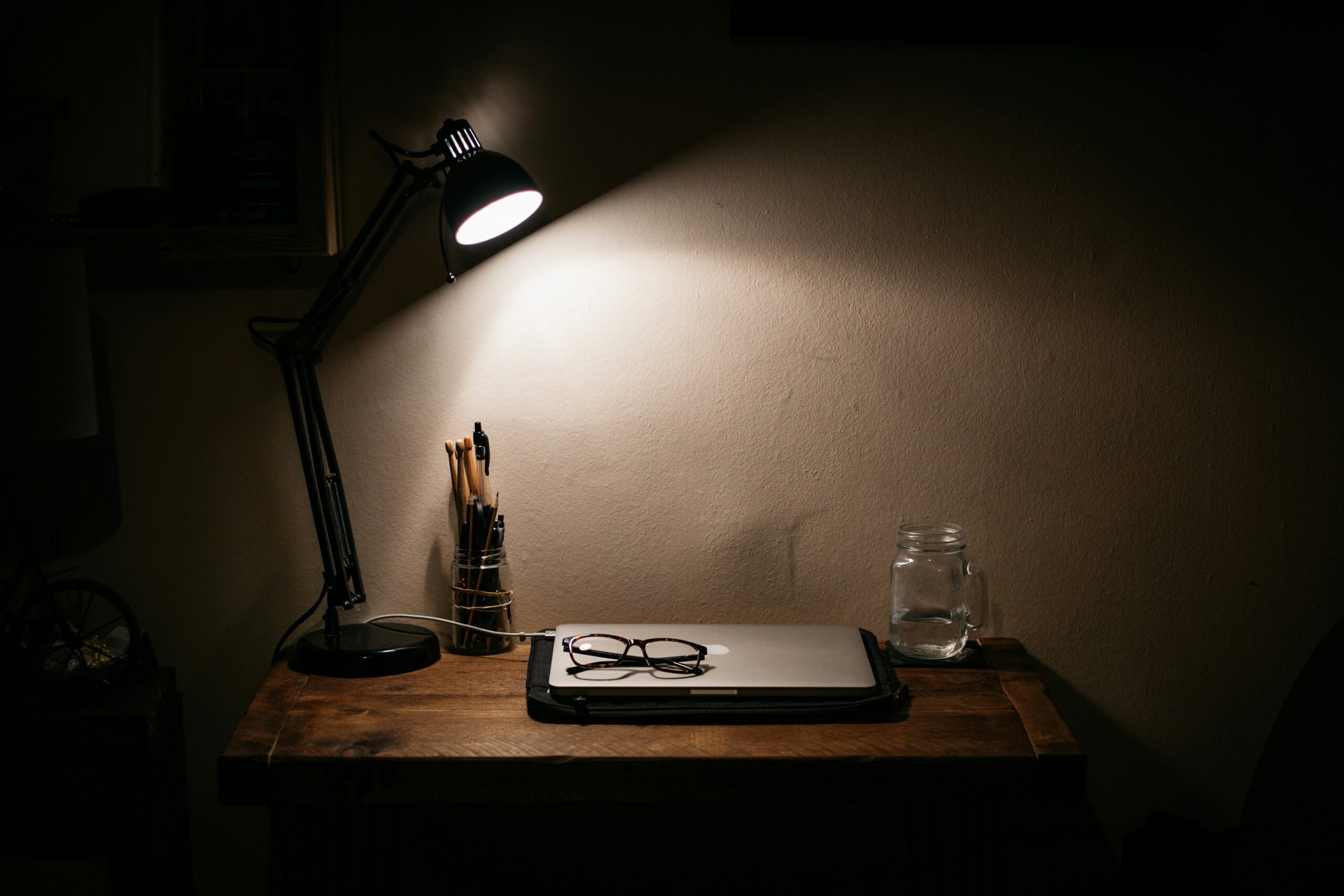
Task Lighting: A good desk lamp can be a game-changer. Look for one with adjustable brightness and position, ideally with a colour temperature around 4000K, that’s the sweet spot for staying focused without straining your eyes.
How to Set Up Ergonomic Lighting
Ever notice how bad lighting can make you feel drained, give you a headache, or even make your eyes feel gritty by the end of the day? You’re not alone. Just like a good chair supports your back, proper lighting supports your eyes and overall well-being. It’s about more than just flipping a switch; it’s about creating an environment where your eyes can thrive.
Let’s dive into the practical steps to transform your workspace lighting, ensuring you’re not just seeing, but seeing comfortably.
Step 1: Harness the Power of Layered Lighting
Think of your workspace like a stage where you don’t want just one spotlight, but a few light sources working together. That’s what layered lighting is all about, and it’s key to making your setup comfy and easy on the eyes. Start with the general overhead lights, which should brighten the room evenly without being too harsh or too dim. If the lighting’s off, your eyes will have to work overtime. Next, add a good desk lamp focused on your immediate work area. It helps a lot when you’re reading or typing and reduces eye strain. Lamps with adjustable arms and dimmers are the best because you can point the light exactly where you need it and tweak the brightness. You can explore stylish and ergonomic desk lamps at Litecraft for both overhead and task lighting needs. Natural light is the best mood booster, and great for your eyes, too. Just be careful where you put your desk. Avoid sitting with a window right behind or in front of your screen, as it either makes your screen hard to see or causes glare. The sweet spot? Put your desk so the window’s off to the side. That way, you get soft natural light without the annoying reflections. And if the sun gets too bright? Use blinds or curtains to soften the light so it’s just right all day long.
Step 2: Fine-Tune Your Light’s Personality
Did you know that light has a “temperature”? Measured in Kelvins (K), colour temperature plays a big role in shaping your mood, energy levels, and productivity.
- Cooler light (5000K and above) has a bluish-white hue, similar to daylight. It’s stimulating and ideal for boosting focus and alertness, especially during morning work sessions.
- Neutral white light (3500K to 4500K) provides a balanced, clean illumination that works well for general tasks and situations where accurate colour rendering is important.
- Warmer light (2700K to 3000K) resembles the soft, yellowish glow of sunset or traditional incandescent bulbs. It creates a calm, relaxing atmosphere, making it better suited for evening hours or low-focus activities.
If your lighting setup allows, opt for lamps with adjustable colour temperatures. Being able to tailor your lighting to both the time of day and your current task makes a noticeable difference in comfort and performance.
Some LED desk lamps from Ryman offer adjustable brightness and colour modes, helping you stay focused from morning to night.
Step 3: Position and Diffuse Your Lights
Glare is one of the biggest culprits behind visual discomfort. It causes your eyes to work harder, leading to fatigue, strain, and even headaches over time.
Start by avoiding direct light. Never place a light source where it shines directly into your eyes or reflects off your screen. Instead, position desk lamps so they cast light from the side, illuminating your workspace without blinding you or creating harsh reflections.
Using diffusers and shades also helps tremendously. Harsh, bare light can be taxing, but softening it with lampshades, frosted bulbs, or diffusers ensures the light spreads more evenly, reducing sharp contrasts and bright spots.
Finally, minimise screen glare. Be mindful of how windows and overhead lights interact with your monitor. Adjust your screen’s tilt and swivel to avoid reflections, and consider using an anti-glare screen protector for added comfort.
Lighting Technologies to Consider for the Modern Workspace
While you don’t need the latest gadgets, understanding these technologies can help you make informed choices to upgrade.
Smart Lighting Systems (e.g., Philips Hue, LIFX)
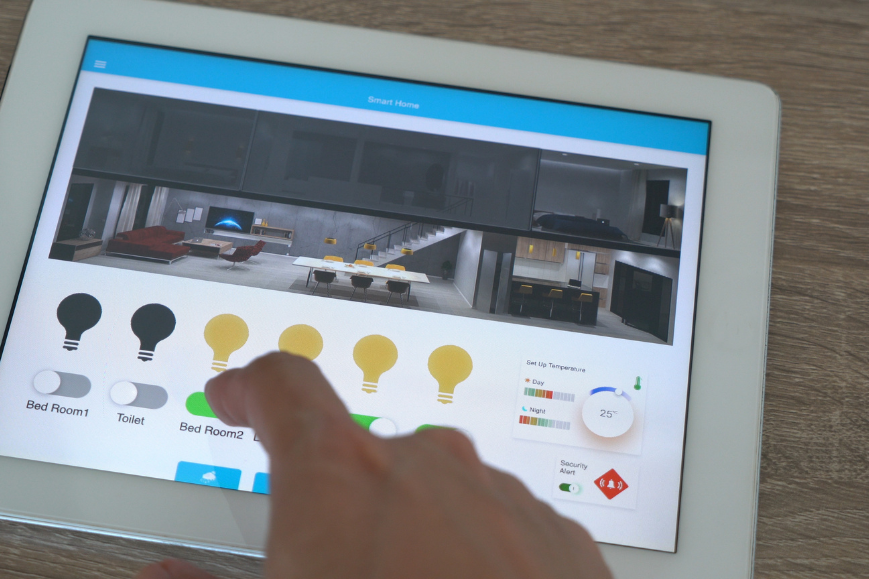
Smart lighting systems allow you to control brightness, colour temperature, and even hue through a smartphone app or voice commands. These systems offer precise control over your lighting environment, making it easy to match light levels to your tasks or mood throughout the day.
Why it’s ergonomic: This flexibility helps reduce eye strain, supports focus, and creates a more comfortable living or working space. Consider exploring smart options like Govee’s smart LED solutions to fully personalize your lighting environment.
Human-Centric Lighting (HCL)
Human-Centric Lighting technology mimics the natural progression of sunlight by automatically adjusting both brightness and colour temperature over the day.
Why it’s ergonomic: By supporting your body’s circadian rhythm, HCL can improve sleep quality, boost daytime energy levels, and even alleviate symptoms of seasonal affective disorder (SAD).
OLED and Tunable LEDs
OLEDs and tunable LEDs provide superior control over light output, with many models offering minimal flicker compared to traditional LEDs. Tunable LEDs allow users to adjust the colour temperature to suit various needs, from warm, relaxing light to bright, cool illumination for productivity.
Why it’s ergonomic: Reduced flicker means less eye fatigue, while customizable lighting ensures consistent comfort and a healthier visual environment.
Practical Tips for Daily Ergonomic Lighting Habits
Setting up your lighting is just the start — developing good daily habits makes a big difference for your eye comfort.
-
Try the 20-20-20 rule: Every 20 minutes, take a 20-second break by looking at something at least 20 feet away. This simple habit helps relax your eye muscles and reduces digital eye strain.
-
Keep up with regular eye check-ups: Just like your car needs maintenance, your eyes do too! Make sure your glasses or contact prescription is current. Wearing an outdated prescription can cause unnecessary eye strain.
-
Adjust your workspace during the day: Don’t hesitate to shift your desk or chair position as natural light changes. Even small moves can reduce glare and help you soak up the best light.
-
Clean your screen regularly: Dust and smudges scatter light and make text harder to read. A quick wipe keeps your screen clear and your eyes happier. For a cozier home office vibe that blends form with function, Marks& Spencer offers tasteful lighting and décor that complements your workspace setup.
-
Match your screen brightness to your room: If your screen looks too bright or too dim compared to your surroundings, adjust it. Most devices make this easy with brightness controls.
-
Consider blue light filters: While research is still ongoing, many people find that using built-in blue light filters (like Night Shift on Apple devices or Night Light on Windows) or blue light blocking glasses helps ease eye strain, especially in the evening.
Finding the Balance Between Technology and Comfort
Creating an ergonomic workspace isn’t about buying the fanciest gadgets. It’s about tuning into how your environment supports your body and mind.
Think of yourself as your own office designer, and notice how different lighting affects your focus and comfort throughout the day. By adopting these simple habits and tools, you’re investing in clearer, more comfortable vision and a happier, more productive work life.
Ergonomic lighting might just be the most overlooked upgrade that makes a huge impact!