





Have you ever felt that familiar twinge of back pain after a day spent hunched over your kitchen table? Or perhaps a nagging wrist niggle from typing away on your laptop? You might think ergonomics is just for the office, but its principles extend far beyond the workplace. Our homes have become multifaceted hubs where we spend countless hours working, cooking, and relaxing. These everyday activities can significantly benefit from thoughtful ergonomic design.
Join me on this home tour where I’ll highlight unsuspecting corners of your dwelling that could really use a splash of ergonomic flair. By the end, you’ll see your house transformed and possibly feel a bit like an ergonomic wizard. You’ll gain insights that could alleviate those everyday aches and pains.
Creating an Ergonomic Workspace That Works for You
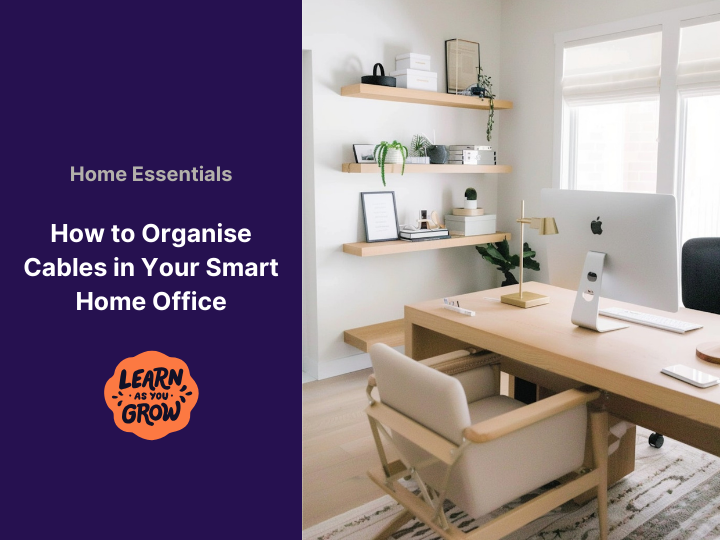
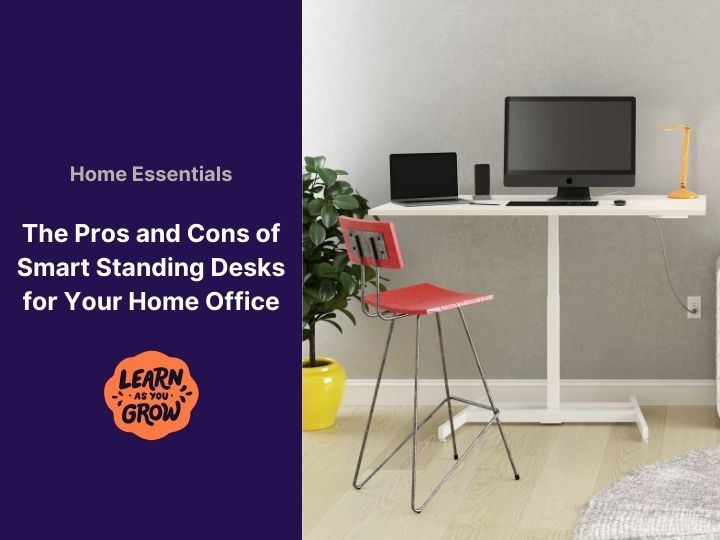
Let’s begin with the most obvious area, your home office. Many of us have cobbled together makeshift workspaces that lack the sophistication of our former office setups. Now is the perfect time to reimagine these spaces. While ergonomic chairs and standing desks often steal the spotlight, don’t overlook essential accessories like monitor risers and footrests. Office Depot has a wide selection of affordable ergonomic tools that can help elevate your setup without breaking the bank. 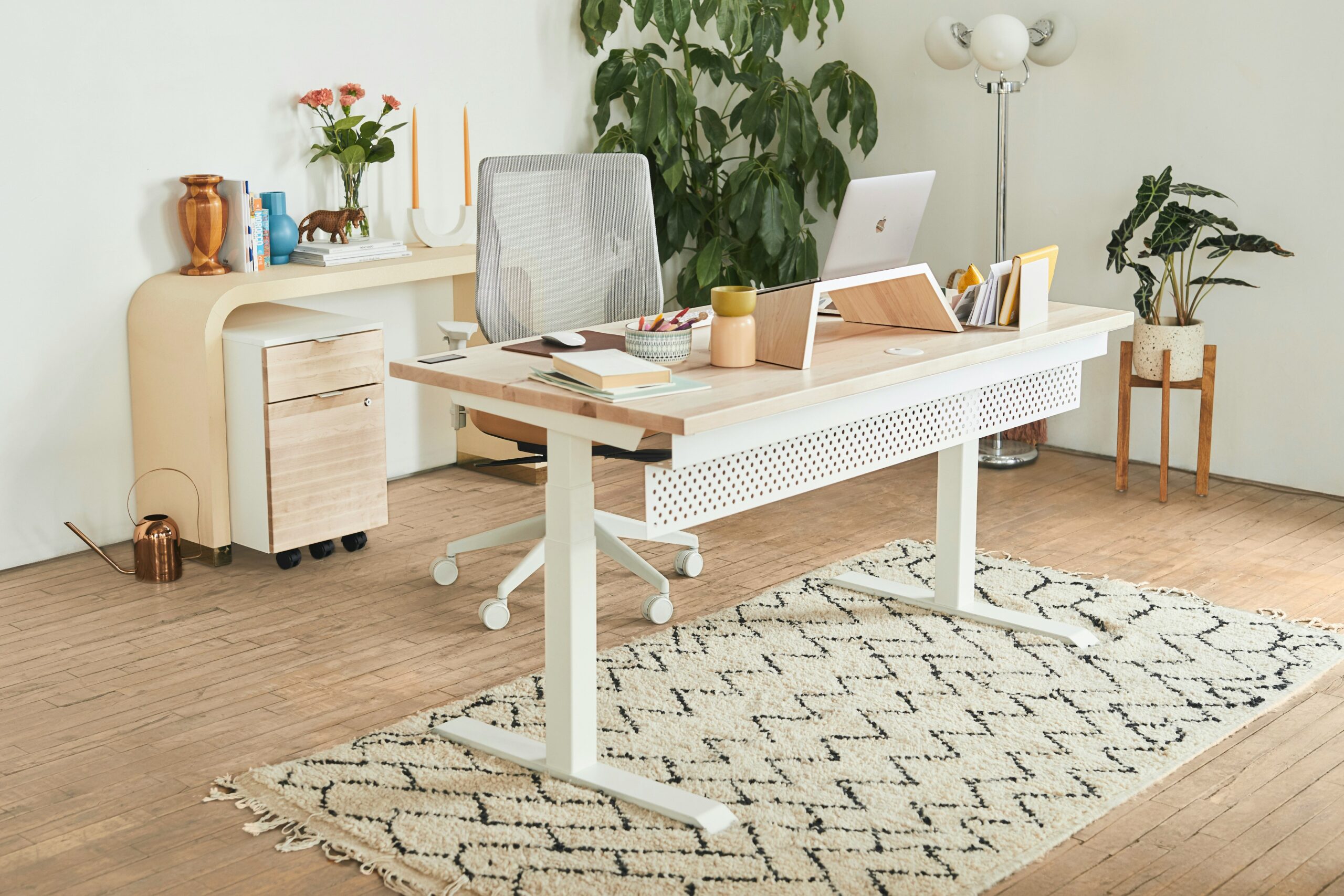
If you’re expanding into an outdoor workspace, don’t miss our tips on avoiding common garden office pitfalls to create a setup that’s functional, comfortable, and future-proof.
Think about a keyboard that allows your wrists to maintain a natural, comfortable angle and a mouse that doesn’t force awkward bending. And if you spend long hours gazing at a screen, remember the benefits of blue light filtering options to reduce eye strain.
Step-by-step ergonomic workspace setup:
- Start with your chair. Choose one with good lumbar support that allows your feet to rest flat on the floor with your knees bent at a comfortable 90-degree angle. Adjust the height and armrests to suit your body.
- Optimise your monitor height. The top third of your screen should be at eye level. Use a monitor riser or sturdy books to achieve the correct height, preventing neck strain from looking up or down.
- Introduce an ergonomic keyboard and mouse. These are designed to support a neutral wrist posture, reducing bending and potential discomfort during long typing sessions. Explore split or vertical options.
- Don’t forget a footrest. If your feet don’t comfortably reach the floor, a footrest provides support and helps maintain proper posture, reducing pressure on your lower back.
- Protect your eyes with blue light filters. Install software filters on your screens or wear blue-light-blocking glasses, especially if you work long hours in front of a computer, to minimise eye strain and potential sleep disruption. If you’re after stylish and effective options, Felix Gray’s blue-light glasses are designed for long hours at the screen, combining eye protection with design you’ll actually want to wear. For a more budget-friendly alternative, Zenni Optical also offers blue-light-blocking glasses that start at very accessible prices. It’s perfect if you’re just getting started.
- For outdoor workspaces, prioritise comfort. Choose height-adjustable furniture to adapt to different tasks and avoid screen glare by positioning yourself thoughtfully relative to the sun.
Bonus Tip: Set a timer to take short standing or stretching breaks every 30–60 minutes to keep your body moving and prevent stiffness 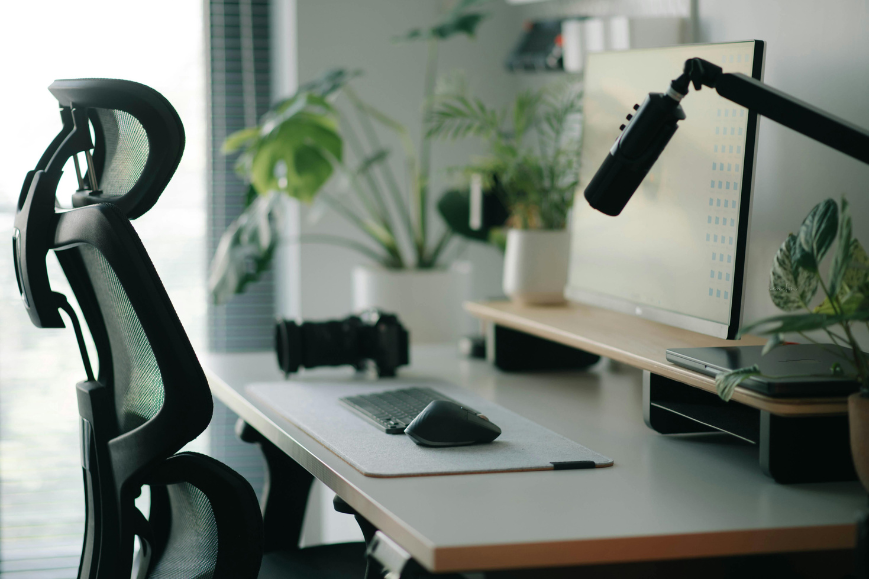
Ergonomic Kitchen Comforts for Pain-Free Cooking
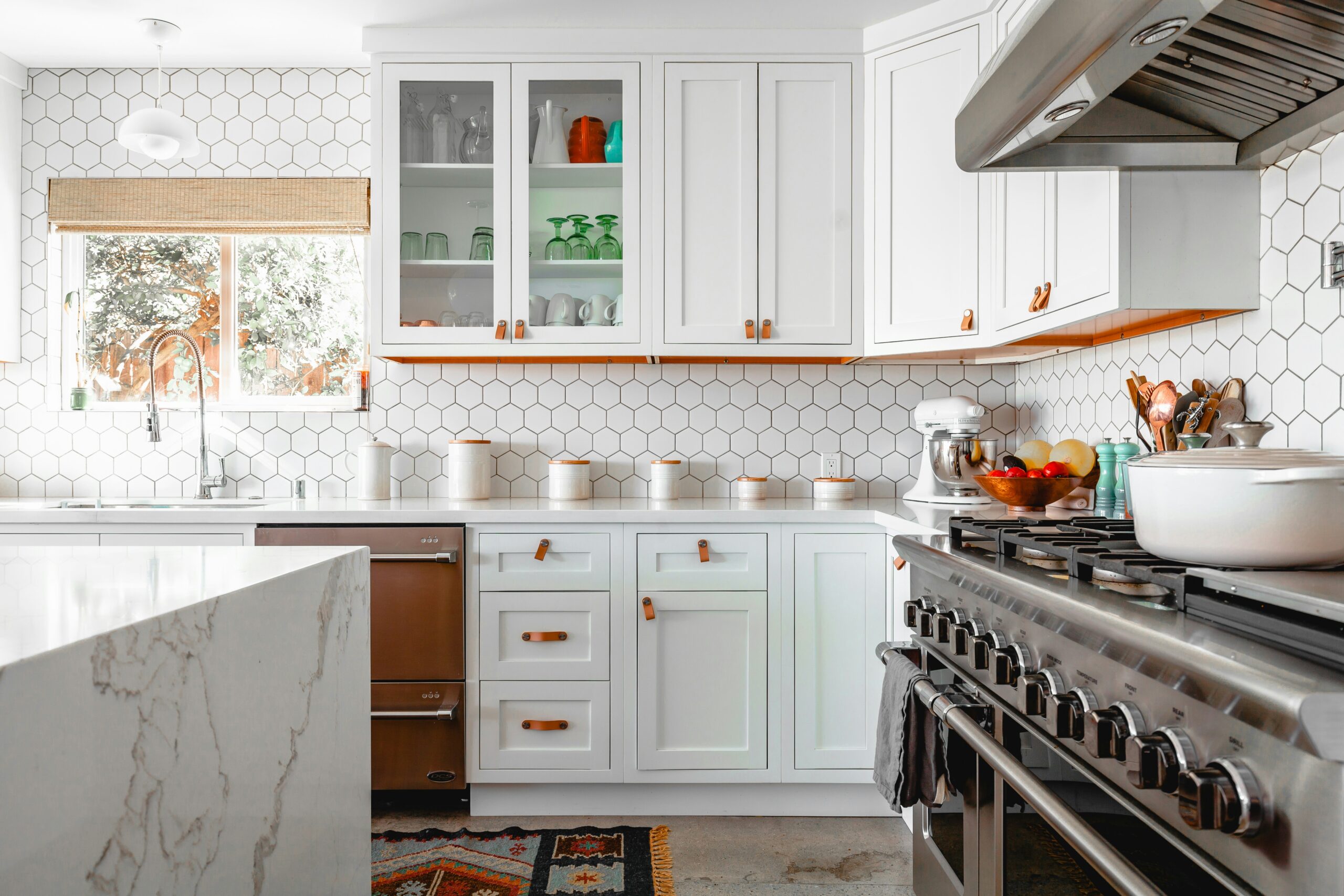
The heart of every home, the kitchen. An ergonomic kitchen is about more than just aesthetics; it’s about functionality and well-being. Consider the time you spend chopping, stirring, and washing. Have you ever thought about how an anti-fatigue mat could make those long cooking sessions far less strenuous on your joints? These cushioned mats help absorb impact, reducing pressure on your feet and back. Ergonomic utensils are also game-changers, offering grip-friendly designs that make handling easier and minimise stress on your hands. A swivel peeler, for instance, can make peeling a breeze! Moreover, ensure that frequently used items are easily accessible to avoid unnecessary reaching or bending.
Step-by-step ergonomic kitchen setup:
- Invest in an anti-fatigue mat. Place it in high-traffic areas like in front of the sink and stovetop to cushion your joints.
- Organise for easy access. Store frequently used pots, pans, and utensils within easy reach to avoid excessive bending or stretching. Consider using drawer organisers or shelves.
- Choose ergonomic utensils. Look for tools with comfortable, non-slip grips that reduce strain on your hands and wrists.
- Adjust your workspace height if possible. If you’re doing a lot of prep work, consider using a cutting board on a raised surface if your countertops are too low.
- Use a swivel peeler. This type of peeler can reduce wrist strain compared to traditional peelers.
The Lounging Area: Supportive Living Room Tips for Better Posture
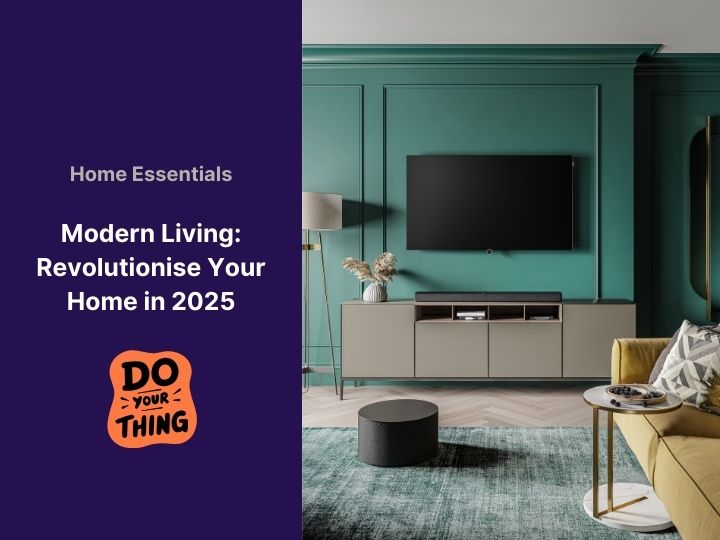
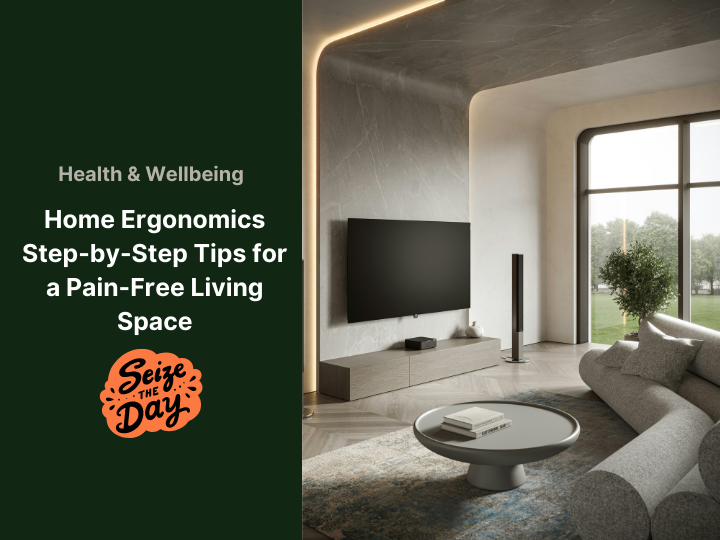
When it’s time to unwind on the couch, comfort is paramount, but ergonomics can enhance your relaxation and prevent future aches. Think about the pillows you use. Opt for supportive cushions that help maintain proper spinal alignment and provide excellent neck support while you read or watch TV. The height and angle at which you view your television are also critical for preventing neck strain. An adjustable wall mount can be a fantastic solution, allowing you to easily modify the screen’s position for optimal viewing comfort.
Step-by-step ergonomic living room setup:
- Choose supportive pillows. Select cushions that maintain the natural curve of your spine when you’re sitting or lying down. Consider different shapes and firmness levels for reading, watching TV, or napping.
- Optimise your TV viewing angle. Position your television so that your eyes naturally fall on the center of the screen when you’re seated. Use an adjustable wall mount to fine-tune the height and tilt.
- Select a supportive couch and chair. Look for furniture that provides good lumbar support and allows your feet to rest comfortably on the floor or a footrest. Avoid overly soft or deep seating that can encourage slouching.
- Arrange your coffee table thoughtfully. Ensure it’s at a comfortable height to avoid excessive reaching when placing or retrieving items.
- Consider a lap desk for devices. If you frequently use a laptop or tablet on the couch, a lap desk can provide a stable and elevated surface, promoting better posture.
Bathroom Basics: Small Adjustments for a Safer, Healthier Routine
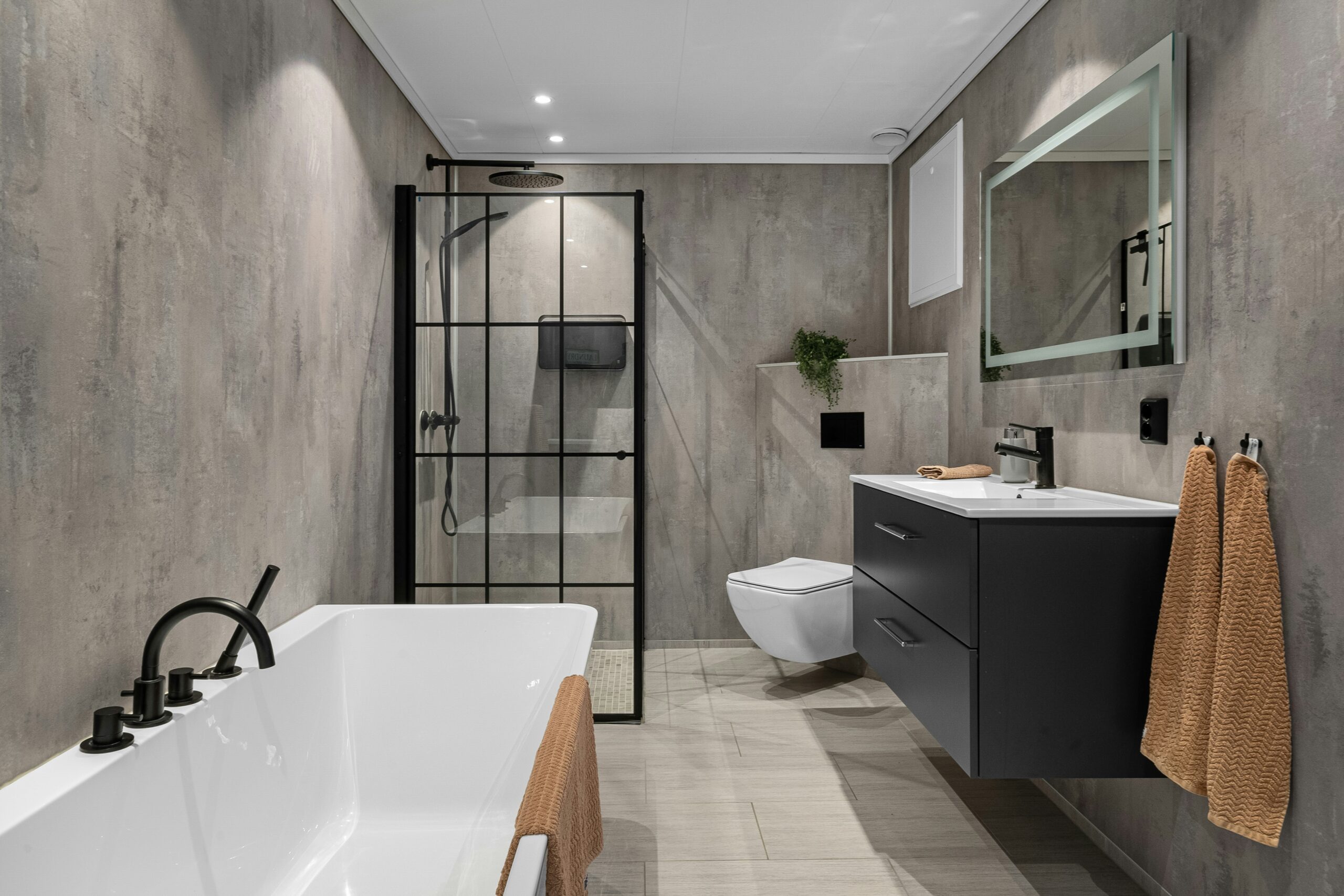
The bathroom might not be the first place that comes to mind for ergonomics, but imagine beginning your day with less physical stress. Consider the height of your sink in relation to your own height. A sink that’s too low or too high can contribute to back strain over time.
An adjustable showerhead offers added convenience, especially for households with members of different heights. And don’t forget the importance of non-slip bath mats to enhance safety and reduce the risk of falls.
Step-by-step ergonomic bathroom setup:
- Assess your sink height. If your sink is consistently causing you to bend awkwardly, consider pedestal risers or, for a more permanent solution, raising the sink during a renovation.
- Install an adjustable showerhead. Lowe’s has several models that let each family member customize their experience—plus they offer other smart ergonomic upgrades for your bathroom and beyond.
- Prioritise safety with non-slip mats. Place secure, non-slip mats inside and outside the shower or tub to prevent slips and falls, especially when the floor is wet.
- Consider grab bars for stability. Strategically placed grab bars near the toilet and in the shower can provide extra support and stability, particularly helpful for individuals with mobility issues.
- Organise toiletries for easy reach. Ensure frequently used items are stored at a comfortable height to avoid unnecessary bending or stretching.
The Bedroom: Sleep-Friendly Design Ideas for Better Rest
And finally, the sanctuary of sleep, the bedroom. Your sleep environment can reflect ergonomic principles to improve sleep quality. Start with choosing the right mattress firmness for your sleep position and body type. Brands like Tempur-Pedic are known for ergonomic mattresses that contour to your body and support healthy spinal alignment. If you’re looking for a more budget-conscious choice, Zinus offers supportive mattresses and bed frames that deliver great ergonomic value without the premium price tag.Pillows are equally important; ensure they are supportive enough to keep your spine aligned, whether you’re a back, side, or stomach sleeper. You might also want to explore adjustable bed frames that offer elevated positions to ease back pain or minimise snoring. 
Step-by-step ergonomic bedroom setup:
- Select the right mattress firmness. Choose a mattress that supports your natural spinal alignment based on your preferred sleeping position (firm for back/stomach, medium for side sleepers).
- Invest in supportive pillows. Use pillows that maintain the natural curve of your neck and keep your head level with your spine. Consider different pillow shapes and materials for optimal support.
- Explore adjustable bed frames. These allow you to elevate your head and/or feet, which can alleviate back pain, reduce snoring, and improve circulation.
- Position bedside tables thoughtfully. Ensure your bedside table is at a height that allows you to easily reach items without awkward stretching when you’re lying in bed.
- Consider blackout curtains. While not directly ergonomic for the body, a dark room promotes better sleep, which is crucial for overall well-being and recovery from daily physical stress.
Embracing ergonomics at home doesn’t mean turning your house into a sterile office space. It’s about enhancing the comfortable and functional parts of your favourite places, leading to healthier, happier living. And who knows, your home might just start feeling like a luxurious spa retreat rather than a pain-invoking crash pad.
To take things a step further, consider how smart technology can complement your ergonomic upgrades. Explore our roundup of smart home hubs that could revolutionise your space in 2025, perfect for streamlining your daily routines while boosting comfort and control throughout your home.
So, go ahead! Implement these changes and make your home work for you, literally.