





We love tech!! But cables are driving us crazy!
If you’re trying to create the perfect setup, dealing with a tangled mess of wires can feel like solving a Rubik’s cube one-handed (it can be done though!). But don’t worry, fellow tech lovers, because organising cables is not only possible but can also enhance the efficiency and aesthetics of your workspace. So, we will walk you through practical steps, techniques, and tips to transform your office’s cable chaos into a streamlined, organised haven, making your smart gadgets work harmoniously without the unsightly tangle of cords.
The Importance of Organising Cables
First off, why should you bother organising cables in a smart home office? Besides the obvious perk of improved aesthetics, organised cables make your office safer and reduce the risk of fires or tripping hazards. A study from the National Fire Protection Association indicates that electrical distribution and lighting equipment are responsible for 10% of home structure fires. By keeping cables neat, you reduce such risks significantly. Moreover, a tidy cable setup leads to better energy efficiency. Properly labelled and arranged cables make it easier to identify devices that can be powered down or unplugged when not in use, saving electricity. 
Steps to Organise Your Cables Efficiently
Now that you understand the benefits, let’s delve into the steps for achieving cable organisation nirvana. Start by unplugging everything. Yes, everything. Begin with a clean slate to avoid the confusion of a partially unplugged office setup.
1. Assess and Plan
Lay all your cables out and identify any that may not be necessary. This is an ideal moment to determine if shorter cables are available for purchase that would better suit your space. Opt for high-quality cables with durable insulation. Planning is crucial, and this will be your roadmap.
2. Sort and Group Cables
Group cables by purpose or device. For example, keep all computer cables (monitor, keyboard, mouse) together and all entertainment system cables (TV, speakers, gaming console) in another group. This makes it easier to manage and trace cables when needed.
3. Use Cable Ties and Clips
Use Velcro ties or cable clips to bundle cables that run in the same direction. This prevents them from tangling and keeps them neat. Avoid using zip ties, as they can damage cables and are harder to adjust later.
4. Label Everything
Slide labels or simply use a label maker to clearly mark each cable’s function and corresponding device. This simple step goes a long way in keeping everything efficient and easy to manage. It’s like magic when you want to unplug the printer at a glance.
5. Invest in Cable Management Solutions
Products like cable management boxes, under-desk cable trays, and floor cable covers can hide and protect cables—making them nearly invisible and out of the way. Plus, adhesive cable tubes can group several wires together and fit alongside walls or desk legs seamlessly. 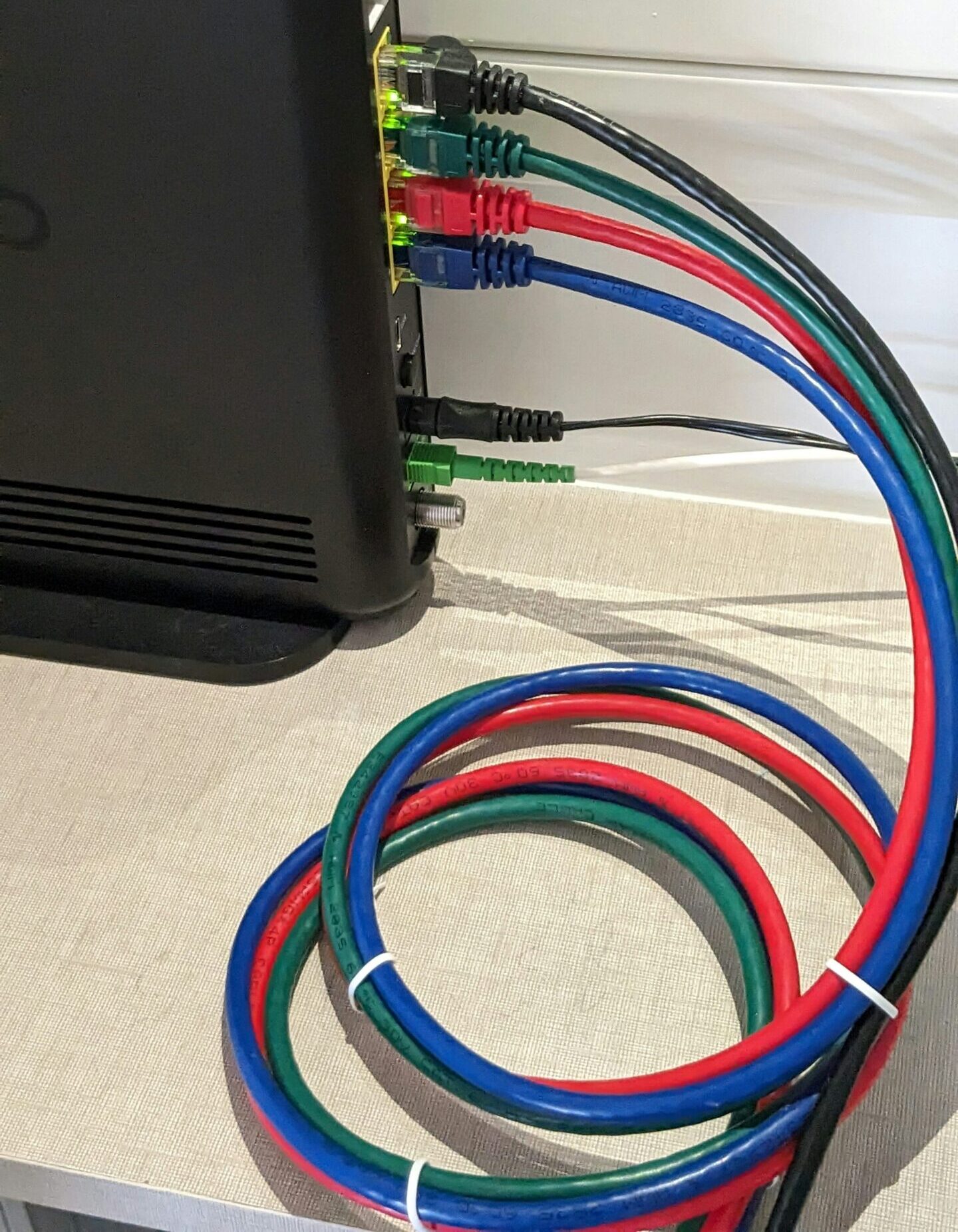
6. Go Wireless Where Possible
Replace wired devices with wireless alternatives where feasible. For example, use wireless keyboards, mice, and printers to reduce the number of cables. Wireless charging pads for smartphones and tablets can also eliminate the need for multiple charging cables.
7. Route Cables Strategically
Route wires along the edges of desks, walls, or furniture to keep them out of sight. Use adhesive cable clips or raceways to secure them in place. This not only looks cleaner but also reduces tripping hazards.
Integrating Smart Technology
Smart technology offers solutions that can reduce clutter. Invest in wireless charging pads and devices like Bluetooth speakers or printers to eliminate redundant wires. Additionally, many smart home ecosystems allow for the control of multiple devices with fewer cables using smart hubs and universal remotes, streamlining what used to be a spaghetti mess.
Regular Maintenance
Management is not a one-time task. Regular inspections and maintenance keep your smart home office tidy. Make sure to revisit your setup every 3 to 6 months. If there’s something the tech world knows, it’s that periodic updates lead to improved performance—your cable organisation needs the same love.
Actionable Maintenance Tips:
- Check for Wear and Tear: Inspect cables regularly for fraying or damage and replace them immediately.
- Reorganise as Needed: As you add new devices, adjust your cable setup to accommodate them.
- Unplug Unused Devices: Remove cables for devices you no longer use to free up space and reduce clutter.
A Tech-Lover’s Dream Workspace
This isn’t just about tidiness—it’s about creating a productive, safe, and technology-friendly environment. By implementing the steps outlined, you’ll not only create a streamlined appearance in your office but also enhance the safety and efficiency of your space. Remember, less clutter equals more clarity and productivity in your smart home office. So gear up, set aside some time, and let your home office be the envy of all with its minimalistic, sleek look.